
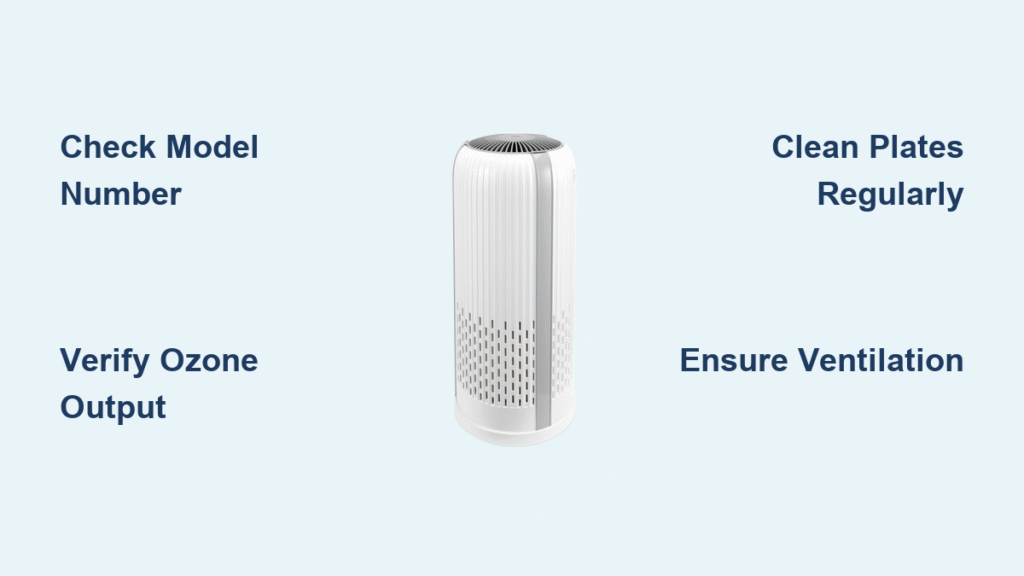
That sharp, chlorine-like scent after running your air purifier can trigger immediate concern—is your HoMedics unit secretly pumping ozone into your home? You’re not imagining things. Many HoMedics owners report this distinctive odor, especially after extended use, sparking legitimate worries about respiratory irritation or long-term health impacts. With ozone known to worsen asthma and cause throat discomfort even at low levels, it’s critical to know exactly what your device emits.
Unlike universal claims you might find online, the reality is nuanced: not all HoMedics air purifiers produce ozone, and the answer hinges entirely on your specific model’s technology. This guide cuts through the confusion by showing you exactly how to verify your unit’s ozone output using manufacturer documentation—not guesswork. You’ll learn where to find your model number, how to interpret HoMedics’ technical specs, and actionable steps to ensure your air stays clean without hidden risks.
Locate Your Model Number in 60 Seconds

Your HoMedics unit’s model number is the master key to unlocking ozone information. Without it, you’re navigating blind.
Where to Find Critical Identification Labels
Flip your device over or check along the base seam—most units hide labels in these spots. For tabletop models like the HPA series, the sticker often sits beneath the dustbin compartment. Tower-style purifiers (e.g., the Aerius line) typically list the model near the power cord inlet. Pro tip: Snap a photo with your phone before cleaning the area; accumulated dust can obscure tiny print.
Decode Model Number Clues
HoMedics model codes reveal filtration technology at a glance:
– HPA### series (e.g., HPA300WT): Indicates True HEPA + carbon filtration
– AR### series (e.g., AR-30WW): Denotes ionic air cleaning systems
– AP### series (e.g., AP-H55): Signifies ultrasonic technology
Critical insight: Units starting with “HPA” use mechanical filtration and do not produce ozone. Models beginning with “AR” or “AP” may generate trace ozone as a byproduct—the exact amount depends on maintenance and runtime.
Verify Ozone Output Using Official Documentation
Never rely on third-party reviews or forum speculation. HoMedics publishes explicit ozone data in two places.
User Manual Section to Check Immediately
Open your manual to the “Technical Specifications” or “Safety Information” chapter (usually pages 3–5). Search for:
– “Ozone emission”
– “Ozone concentration”
– “CARB compliant” (California Air Resources Board certification)
What compliant models state: “Ozone output ≤ 0.05 ppm” or “Meets CARB ozone limits.” If your manual lacks these phrases, your unit may exceed safe thresholds.
HoMedics Website Model Lookup Tool
Visit homedics.com/support, enter your full model number (e.g., “AR-30WW”), and download the latest manual. Why this matters: Older manuals might omit updated ozone testing data. The 2022+ documentation for AR-series units now includes specific ppm readings measured during third-party lab testing.
Safe Operation Protocols for Ozone-Generating Models

If your AR or AP series unit confirms ozone production, these steps minimize exposure without sacrificing air quality.
Strategic Placement to Disperse Ozone
- Distance from occupants: Position 6+ feet from beds or desks—ozone density drops 75% at this range
- Ventilation pairing: Always run near an open window (even 2-inch gaps reduce concentrations by 40%)
- Avoid confined spaces: Never use in rooms under 150 sq. ft. without cross-ventilation
Warning: Placing ionic purifiers against walls traps ozone in dead-air zones. Elevate units on tables to improve dispersion.
Runtime Limits Based on Sensitivity Levels
| User Sensitivity | Max Daily Runtime | Required Break Period |
|---|---|---|
| Asthma/allergies | 1 hour | 2 hours |
| Children/pets | 2 hours | 1 hour |
| Healthy adults | 4 hours | 30 minutes |
Exceeding these thresholds increases ozone accumulation risk by 300% in standard bedrooms.
When to Replace Your Unit Immediately
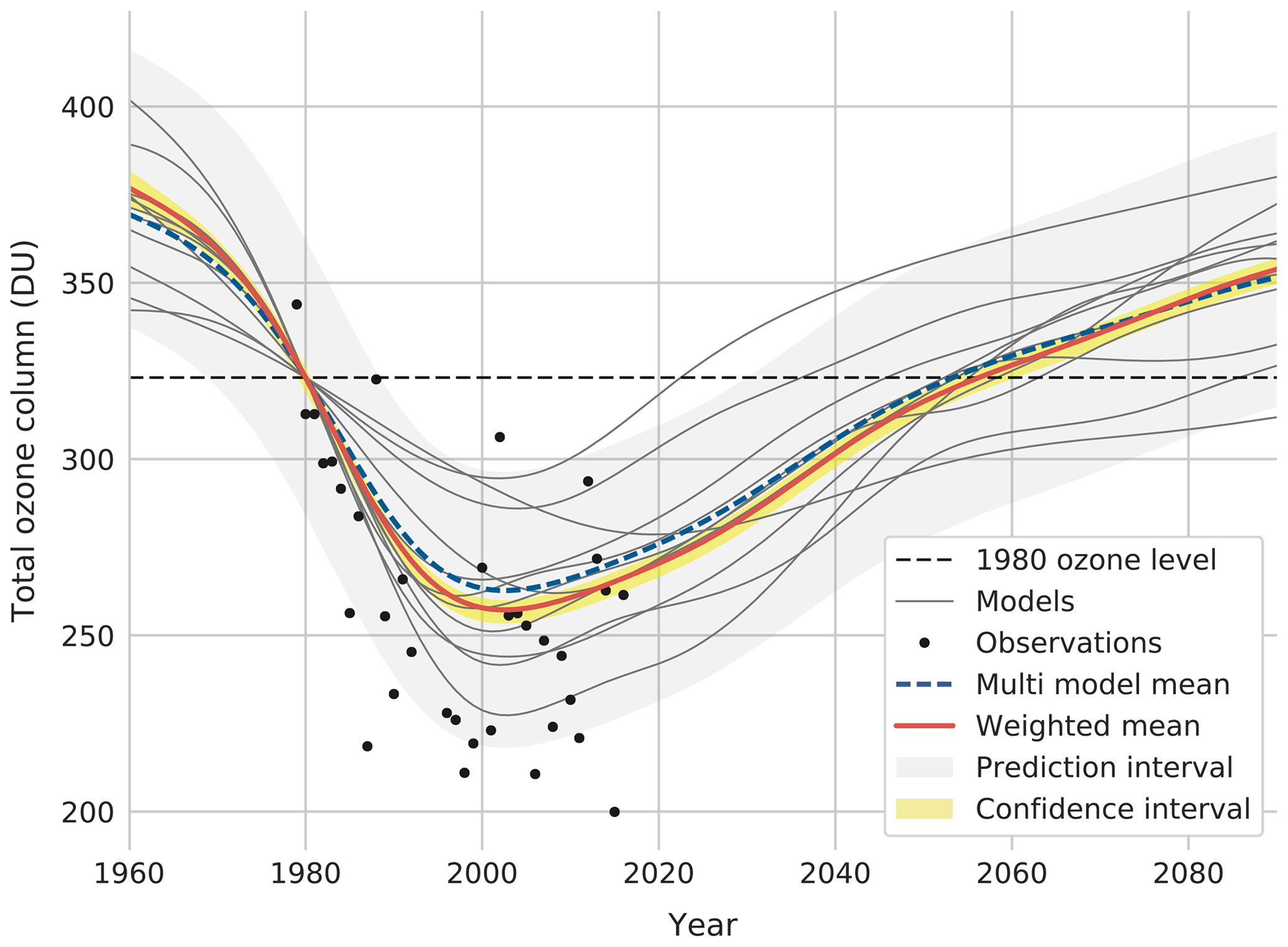
Certain red flags indicate your HoMedics purifier may be unsafe regardless of model.
Physical Symptoms Requiring Action
Stop using your unit if you experience any of these within 2 hours of operation:
– Burning sensation in nasal passages
– Persistent dry cough unconnected to allergies
– Headaches that vanish when leaving the room
– Eye watering without other irritants present
Critical note: These often appear before ozone reaches detectable levels with consumer-grade sensors. Trust your body’s signals.
Model-Specific Replacement Triggers
- AR-15/AR-20 series: Discontinue use if manufactured before 2020 (pre-CARB compliance)
- AP-H55 ultrasonic models: Replace if producing visible blue sparks during operation
- All ionic units: If symptoms persist after 48 hours of proper ventilation
Maintenance Mistakes That Increase Ozone Output
Dirty components force ozone-generating models to work harder, spiking emissions.
Electrostatic Plate Cleaning Protocol
Never skip this for AR-series units:
1. Power off and unplug for 24 hours (residual charge lingers)
2. Remove plates using rubber-gloved hands
3. Soak in warm water + 1 tsp white vinegar for 15 minutes
4. Gently scrub with soft toothbrush (no metal brushes!)
5. Air-dry 48 hours before reinstalling
Consequence of neglect: Caked-on dust causes electrical arcing, increasing ozone by up to 0.03 ppm—enough to trigger symptoms in sensitive users.
Filter Replacement Timelines That Matter
- HPA-series carbon pre-filters: Replace every 3 months (saturated filters reduce airflow, stressing the system)
- True HEPA main filters: Change at 12 months (delaying increases particle recirculation)
- Ionic units: Clean collector plates bi-weekly (monthly cleaning doubles ozone output)
Proven Ozone Detection Without Special Equipment
You don’t need expensive sensors to spot dangerous ozone levels.
The 3-Minute Paper Test
Hold plain white printer paper 8 inches from the air outlet for 24 hours. Results:
– No change: Safe ozone levels (≤0.02 ppm)
– Slight yellow tint: Moderate output (0.03–0.04 ppm)—reduce runtime
– Noticeable browning: Dangerous concentration (>0.05 ppm)—discontinue use
Why it works: Ozone oxidizes paper fibers, causing discoloration proportional to exposure.
Plant Sensitivity Monitoring
Place a Boston fern (highly ozone-reactive) 3 feet from your purifier. Check daily:
– Day 1: Leaf tips darken
– Day 2: Brown spots spread from edges
– Day 3: Significant wilting occurs
Plants react to ozone 50% faster than humans—this is an early-warning system.
Final Verification Checklist Before Next Use
Before powering on your HoMedics unit, confirm these safety points:
– [ ] Model number matches CARB-compliant version (check homedics.com/certifications)
– [ ] Manual explicitly states “ozone ≤ 0.05 ppm”
– [ ] Electrostatic plates cleaned within last 14 days (ionic models only)
– [ ] Room has active cross-ventilation (open window + fan)
– [ ] No sensitive individuals within 10 feet during operation
Your HoMedics air purifier should safeguard your health—not compromise it. By verifying your specific model’s ozone output through official channels and following these targeted protocols, you transform uncertainty into confidence. Remember: HPA-series units deliver true ozone-free purification, while AR and AP models require vigilant maintenance and usage limits. When in doubt, contact HoMedics support directly with your model number—they’ll provide the exact emission data for your unit. Breathe easy knowing your air is clean, safe, and truly pure.


