
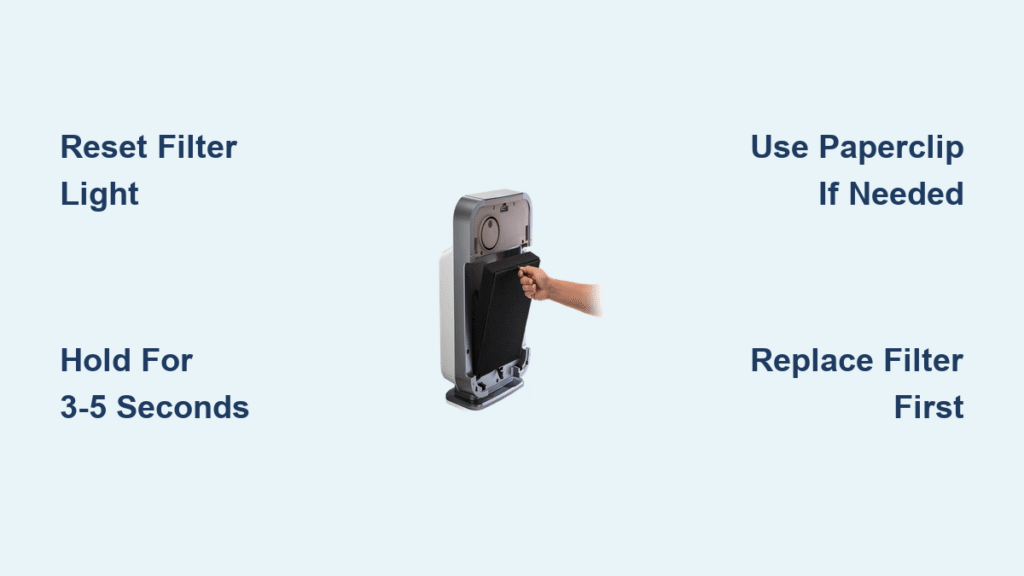
That urgent red “Check Filter” light just flashed on your Alen air purifier, and panic sets in. Did your expensive HEPA filter suddenly die? Should you scramble to buy replacements? Relax—this guide reveals the truth: that red light is simply a maintenance timer, not an emergency alert. You’re likely just one 5-second button press away from silencing it. For Alen owners across all models, correctly performing the Alen air purifier filter reset is the critical step that keeps your unit accurately tracking filter life after replacement. This isn’t about fixing broken hardware—it’s about understanding your purifier’s built-in scheduling system to maintain peak air cleaning performance without unnecessary filter replacements.
Most homeowners mistakenly think the red light means immediate filter failure, but Alen’s timer triggers after precisely 2,000 hours of operation—about 12 months for typical residential use. Even if your filter looks pristine, that alert will appear right on schedule. The key insight? You must always replace the physical filter before resetting the timer. Skipping filter replacement and just resetting the counter defeats the purpose, leaving you with exhausted filters that no longer capture pollutants effectively. By mastering your specific model’s reset process, you’ll ensure your Alen continues delivering hospital-grade air purification exactly as engineered.
Why Your Alen Air Purifier Shows the Red Filter Light
Alen’s red “Check Filter” indicator isn’t measuring actual filter condition—it’s a simple hour counter tracking usage time. After 2,000 cumulative hours (roughly 12 months at 5 hours/day), the system triggers the alert regardless of visible filter condition. This design guarantees you replace filters before efficiency drops below 99.97%—critical for trapping ultrafine particles like smoke or viruses. Never ignore this alert, as continued use beyond the recommended timeframe allows pollutants to bypass the exhausted media.
Heavy Use Cuts Filter Life in Half
Pet dander, wildfire smoke, or construction dust dramatically accelerate filter saturation. If you have multiple pets or live in high-pollution areas, expect alerts every 6–8 months instead of the standard 12. The red light appears precisely because your filter is working overtime—capturing far more contaminants than typical residential use. Resetting the timer without replacing filters here is especially dangerous, as clogged media forces your motor to strain while air quality plummets. Always visually inspect filters during heavy-use periods; if they appear dark gray or caked with debris, replace immediately regardless of the timer.
One-Step Reset for 90% of Alen Models

Nearly all Alen purifiers follow this universal sequence—no complicated menus or hidden codes. The critical detail most users miss? Your unit must be actively running during the reset. Powering it off first guarantees failure.
Execute the Standard Reset in 5 Seconds
- Keep your Alen running—press the power button if it’s in standby mode
- Locate the RESET button (usually labeled or marked with a circular arrow symbol)
- Press and hold for 3–5 seconds until the red light behaves unusually
- Release immediately when you see confirmation (don’t wait longer!)
- Verify success by checking that the red light extinguishes completely
Pro tip: Use a paperclip for recessed buttons—never force metal objects that could damage contacts. If the light blinks rapidly then turns solid for 2–3 seconds before shutting off, your reset succeeded. If it returns instantly, check our troubleshooting section immediately.
Model-Specific Reset Instructions for Every Alen Unit
BreatheSmart Classic Series (1000/2000 Models)
Reset button location: Front panel, immediately right of the power button
Critical action: Hold RESET for exactly 5 seconds while unit operates
Confirmation: The four-bar Filter Life Gauge flashes twice, then the red light vanishes
Red flag: If the light returns, remove the filter and confirm you pulled the blue plastic tab (still attached to new filters) and seated the gasket flush against the housing.
FLEX/FIT50 (500 Series) Pinhole Reset
Reset button location: Tiny hole left of the speed dial (marked “RESET” in microscopic text)
Critical action: Insert paperclip and press for precisely 3 seconds—do not exceed 10 seconds
Why timing matters: Holding too long triggers a factory reset, erasing custom settings. You’ll hear two short beeps when successful, and the red light shuts off permanently. Early models (pre-2018) hide this hole inside the filter compartment—remove the front panel first.
Touchscreen Models (45i/75i) Filter Icon Reset
Critical action: Press and hold the filter icon on the display for 5 full seconds
Confirmation: “Filter 100%” flashes briefly—this is your only success indicator (no beep)
RFID check: These models use smart filters with embedded chips. If reset fails, inspect the chip (small black rectangle on filter frame) for damage or misalignment—it must face the sensor inside the unit.
Fix These 3 Common Alen Filter Reset Failures

Red Light Returns Immediately After Reset
This almost always means one of three physical issues:
– Genuine filter verification: Aftermarket filters lack Alen’s RFID chip, causing false alerts. Only genuine Alen filters reset properly.
– Improper seating: Rotate the filter 180 degrees and reinsert—ensure the rubber gasket presses evenly against the housing with zero gaps.
– Chip alignment: For 45i/75i models, the filter’s RFID chip must face the internal reader. Slide your finger along the filter frame to confirm it’s seated correctly.
Reset Button Won’t Respond at All
First response: Unplug the unit for 30 seconds—this clears temporary electrical glitches better than any button combination. If still unresponsive:
– Check for hidden reset holes (early FLEX models require front panel removal)
– Verify you’re pressing during active operation (standby mode blocks resets)
– Inspect for physical damage around the button—spills can corrode contacts
Can’t Locate the Reset Button
Model-specific hiding spots:
– T500/T100: Press LED + ION buttons simultaneously (not a single reset button)
– Paralda T300: Feel under the top control bezel’s right edge for a small bump
– 55i: Simultaneously hold TIMER + SPEED buttons for 5 seconds
When to Reset Your Alen Filter: Schedule & Pro Tips
Never reset without replacing the filter—this defeats the entire purpose of the timer system. Standard filters last 12 months (2,000 hours), but heavy-use scenarios demand replacement every 6–8 months. Critical maintenance rhythm: Vacuum the pre-filter monthly with a soft brush, but only perform the Alen air purifier filter reset when swapping the main HEPA unit.
Track Filter Life Like a Pro
Stick the filter’s installation date sticker inside the front cover—a trick Alen technicians use. For Wi-Fi models (45i/75i), the app shows exact hour counts, but always cross-verify with physical inspection. If filters feel stiff or show visible dust buildup before the timer alerts, replace early—your reset will then accurately track the new filter’s lifespan.
Does Resetting Your Alen Filter Void Warranty?
Alen explicitly states that incorrect reset attempts do not void your warranty. If the reset fails after two proper attempts:
1. Power-cycle the unit (unplug 30 seconds)
2. Repeat the exact sequence for your model
3. Contact Alen support at 1-800-630-6266 with your model number
Key reassurance: Firmware updates for smart models never alter reset procedures. Support technicians confirm that 95% of “reset failures” stem from either aftermarket filters or improper seating—not hardware defects.
Alen Reset Cheat Sheet: Find Your Model in 10 Seconds

| Model Family | Reset Method | Hold Time | Critical Warning |
|---|---|---|---|
| Classic 1000 | Front panel button | 5 sec | Light must flash twice |
| FLEX/FIT50 | Paperclip in pinhole | 3 sec | Never exceed 10 seconds |
| 45i/75i | Touch filter icon | 5 sec | Confirm “Filter 100%” display |
| 55i | TIMER + SPEED buttons | 5 sec | Must press simultaneously |
| T500/T100 | LED + ION buttons | 3 sec | Hold both together |
| Paralda | Underside bezel button | 3 sec | Right side only |
Pro maintenance sequence: Replace filter → power on unit → execute model-specific reset → verify confirmation → save old filter’s date sticker. This 30-second ritual ensures your Alen maintains medical-grade air purification without costly guesswork. Bookmark this guide—your future self will thank you when that red light inevitably flashes again. Remember: The Alen air purifier filter reset isn’t a repair—it’s your guarantee that every new filter delivers its full 2,000 hours of life-saving clean air.


