
That persistent filter indicator light on your Bionaire air purifier won’t turn off even after installing a new filter? You’re not alone. Many Bionaire owners face this frustrating situation where the reset function seems to have a mind of its own. Without the proper reset procedure, your air purifier can’t accurately track filter life, potentially compromising your indoor air quality without you even realizing it.
Unlike some air purifier brands with universal reset methods, Bionaire models require specific reset sequences that vary significantly across their product line. The challenge? Finding the exact reset instructions for your particular model when official documentation can be difficult to locate. This guide cuts through the confusion with verified information directly from Bionaire’s support resources.
Locate Your Model-Specific Reset Instructions
Before attempting any reset procedure, identifying your exact Bionaire model is crucial—reset methods differ substantially between series. Your model number contains the key to finding the correct reset process.
Finding Your Model Number
Check these three locations on your unit: the back panel near the power cord entrance, inside the filter compartment door, or on the bottom of the unit. The model number typically begins with “BAP” followed by additional digits (e.g., BAP825, BAP1700). Take a clear photo of this label before proceeding—it will save time when contacting support.
Why Generic Reset Methods Often Fail
Many online forums suggest universal reset tricks that work for other brands but fail with Bionaire units. Each Bionaire model uses proprietary electronics that require precise reset sequences. Attempting unverified methods may temporarily disable the indicator but won’t properly reset the internal filter life counter, leading to inaccurate maintenance alerts down the road.
Access Official Bionaire Filter Reset Documentation
When your filter light won’t reset after replacement, the most reliable solution comes straight from the manufacturer—not third-party websites with potentially outdated information.
Download Your Model’s Manual
Visit Bionaire’s official website at https://www.bionaire.com and navigate to the Support section. Enter your complete model number in the search field to access downloadable manuals containing verified reset procedures. These manuals are updated regularly and contain model-specific illustrations showing exactly where reset buttons are located and how to activate them.
Register Your Product for Direct Support
Complete product registration at bionaire.com/register to receive filter replacement reminders and direct access to model-specific troubleshooting. Registered owners often receive expedited support when contacting Bionaire about reset issues, as their product information is already in the system.
Verify Genuine Replacement Filters
Using non-Bionaire filters frequently causes reset failures. Genuine Bionaire replacement filters contain integrated chips that communicate properly with the unit’s sensors. Check your filter packaging for the official Bionaire logo and model compatibility information before installation.
Contact Bionaire Directly for Reset Assistance
When online resources don’t solve your filter reset problem, Bionaire’s customer support provides the most accurate guidance for your specific unit.
Phone Support Protocol
Call Bionaire at 1-800-253-2764 (Monday-Friday, 8 AM-5 PM EST) with your model number ready. Prepare to describe: when you replaced the filter, what reset methods you’ve already tried, and whether you’re using genuine Bionaire replacement filters. Support representatives can walk you through your model’s exact reset sequence and troubleshoot why previous attempts failed.
Website Support Resources
The Bionaire website offers multiple support pathways beyond phone contact. Navigate to Support → Contact Us to access their live chat feature during business hours. This often provides faster responses than email for straightforward reset questions. For complex issues, use the contact form and include photos of your model number and filter compartment.
International Support Considerations
If you purchased your Bionaire unit outside the United States, contact Newell Brands Canada ULC at 20B Hereford Street, Brampton, ON L6Y 0M1. International models may have different reset procedures due to regional electrical standards and certification requirements.
Troubleshoot Common Filter Reset Failures
Even with the correct procedure, several factors can prevent successful filter resets on Bionaire air purifiers.
Power Cycle Verification
Before attempting any reset sequence, completely power down your unit: unplug from the wall outlet, wait 2 full minutes (not just 30 seconds), then plug back in. Many reset failures occur because residual power remains in the unit’s capacitors, preventing the reset command from registering properly.
Filter Installation Check
Remove and reinstall your replacement filter, ensuring it clicks securely into place. Most Bionaire models have alignment tabs that must seat perfectly for the reset to work. Look for directional arrows on the filter frame that must match corresponding indicators inside the compartment.
Control Panel Responsiveness Test
Press other buttons on your unit to verify the control panel is functioning. If multiple buttons respond sluggishly or not at all, the issue may be a faulty control board rather than a filter reset problem. Clean the control surface with a dry microfiber cloth before attempting further resets.
Prevent Future Filter Reset Problems
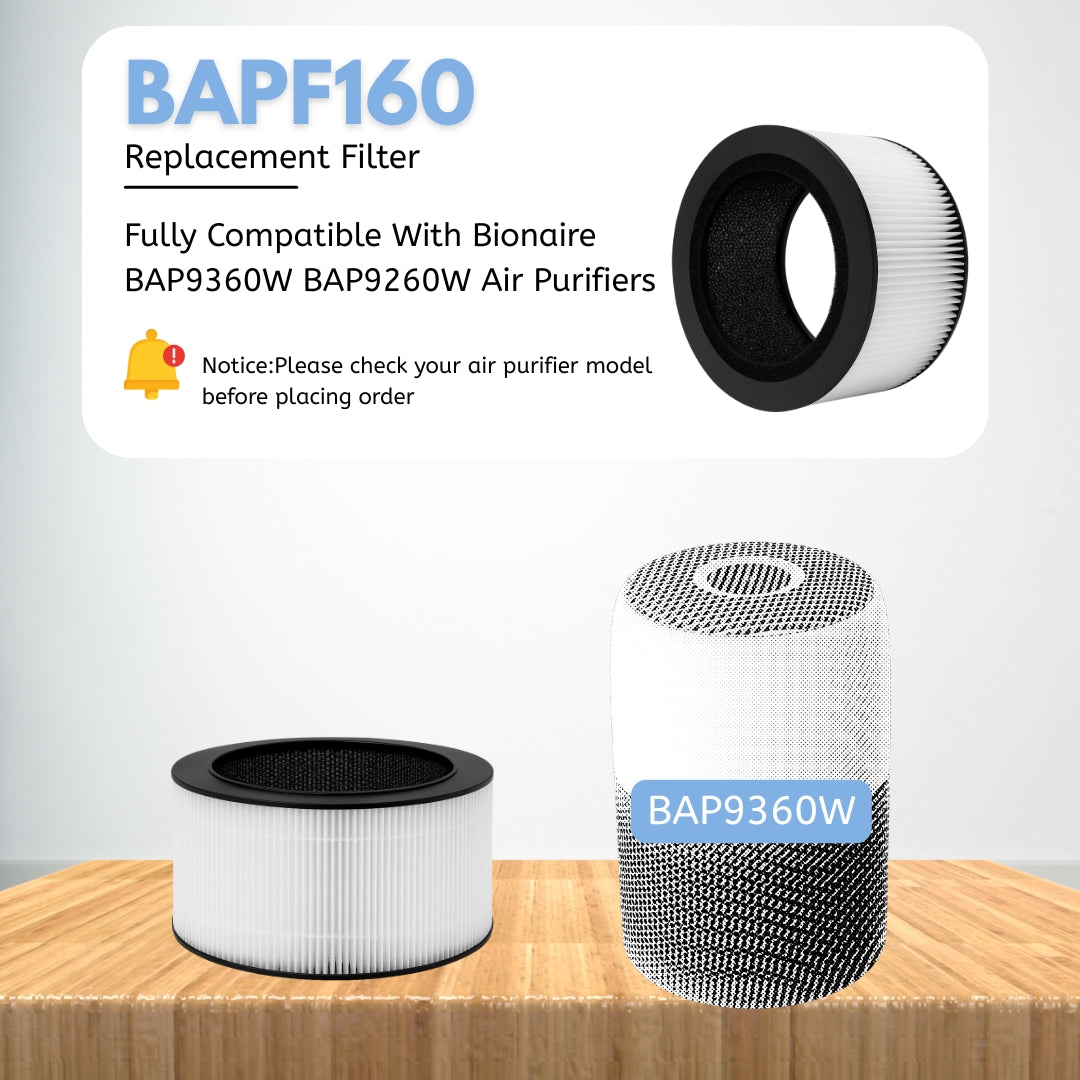
Avoid recurring frustration with these proactive measures that keep your Bionaire air purifier functioning optimally.
Track Filter Replacement Dates
Set calendar reminders for filter changes based on your specific model’s recommendations: carbon pre-filters typically need replacement every 3 months, while HEPA filters last 6-12 months depending on usage and air quality conditions. Bionaire’s email newsletter (sign up on their website) provides seasonal air quality tips that help determine optimal replacement timing.
Document Successful Reset Procedures
Once you successfully reset your filter indicator, take clear photos of the process and note the exact steps. Store these in your phone’s notes app with your model number for quick reference at your next filter change. Include details like “Hold reset button for 7 seconds until double beep occurs.”
Maintain Filter Compartment Cleanliness
Monthly, wipe the filter compartment with a dry cloth to prevent dust buildup around sensor contacts. Accumulated debris can interfere with the filter detection system, causing false reset failures even when using genuine Bionaire filters.
Stock Genuine Replacement Filters
Order filters directly from Bionaire or authorized retailers to ensure compatibility. Keep one spare filter on hand so you never resort to extending filter life beyond recommendations—a common cause of persistent reset issues.
When to Seek Professional Service
Persistent filter reset problems may indicate underlying issues requiring professional attention.
Recognize Hardware Failure Signs
If the filter indicator behaves erratically—flashing randomly, displaying incorrect filter life percentages, or failing to illuminate at all—your unit may have a malfunctioning control board. These issues won’t resolve with standard reset procedures and require professional service.
Warranty Coverage Considerations
Bionaire air purifiers typically include 1-5 year limited warranties covering electronic components. Contact Bionaire before attempting extensive troubleshooting on newer units, as improper reset attempts could potentially void your warranty if they cause additional damage.
Authorized Service Centers
Bionaire maintains a network of authorized service centers that receive regular technical updates. Your customer service representative can locate the nearest authorized technician who has access to genuine Bionaire parts and proprietary diagnostic tools.
Your Bionaire air purifier’s filter reset function serves an important purpose in maintaining optimal indoor air quality, but requires model-specific knowledge for proper operation. While generic reset methods circulate online, the most reliable solution always comes from Bionaire’s official support channels. By contacting 1-800-253-2764 with your model number ready or downloading your specific manual from bionaire.com, you’ll receive verified instructions that actually work for your unit. Remember that persistent reset failures often indicate genuine technical issues rather than user error—don’t hesitate to seek professional assistance when standard procedures fail. Keeping your filter system functioning properly ensures your Bionaire air purifier continues delivering the clean, healthy air your household depends on.


