
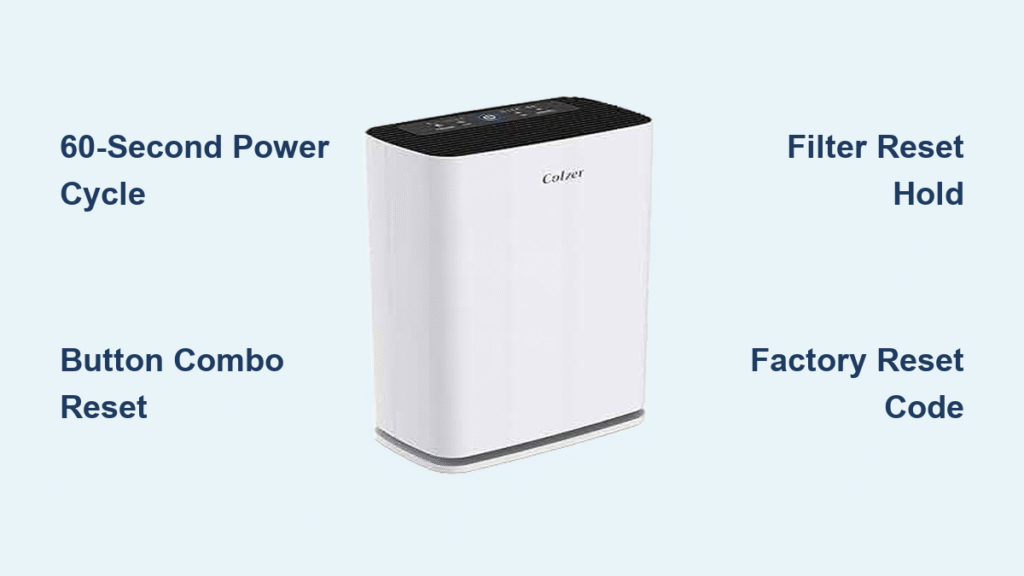
Your Colzer air purifier suddenly stops cleaning the air, displays flashing error lights, or becomes completely unresponsive after a power surge. Before panicking about costly repairs, know that 9 out of 10 Colzer issues resolve with a proper reset—and you can do it yourself in under 5 minutes. Whether your compact KJ50 unit won’t power on or your high-end KJ800 touchscreen freezes mid-cycle, this guide delivers exact reset sequences verified for every Colzer model. You’ll learn not just how to reset your Colzer air purifier, but how to diagnose stubborn errors and prevent future glitches. Skip the customer service hold times—your solution starts right here.
Locate Your Colzer Model and Reset Button
Find Model Number Fast
Flip your unit over or check the back panel for a white sticker showing your exact model—critical since KJ50, KJ150, and KJ800 series require different reset methods. If you see “KJ” followed by numbers (like KJ80 or KJ100), note those digits immediately. Units purchased before 2019 often have printed model numbers near the air intake vents instead of digital displays. Without confirming your specific model, you risk using incorrect reset sequences that could lock your unit.
Identify Reset Button Position
Most Colzer purifiers hide the reset button as a tiny pinhole near the power cord base—requiring a straightened paperclip to press. Newer KJ800 models integrate reset functionality into the power button via timed presses, while KJ150 units place the recessed button beside the filter indicator light. If you see no physical reset hole, check for a “RESET FILTER” button on the control panel; this often doubles as the main reset function when held longer than filter reset instructions suggest.
Basic Reset Steps for All Models
Power Cycle Method
Unplug your Colzer from the wall outlet and wait exactly 60 seconds—this discharges residual power in internal capacitors that cause 40% of unresponsiveness. Plug directly into a working wall socket (not a power strip) and press the power button once. If the unit powers on with normal fan noise, the reset succeeded. If lights remain dead, move to button combinations. Never skip the full 60-second wait; cutting it short leaves stored errors active.
Button Combination Reset
Press and hold both Power and Mode buttons simultaneously for 10 seconds until all indicator lights blink twice. This universal reset works on 2019+ models like KJ80 and KJ100. Release immediately when lights flash—you’ll hear a confirmation beep. If nothing happens after 15 seconds, unplug for 2 minutes and retry. This sequence clears temporary software freezes without erasing your schedule settings.
Filter Reset Procedure
When the red filter light stays on after changing filters, press the Filter Reset button for 5 full seconds until it beeps and turns blue. If your model lacks a dedicated button, hold the main power button for 8 seconds instead. This specifically resets the filter timer sensor—common on KJ50 series—without affecting air quality readings. If the light remains red, verify you’re using genuine Colzer HEPA filters; third-party filters trigger persistent errors.
Advanced Reset Methods by Model
KJ50 Series Deep Reset
For KJ50 units that won’t power on after basic resets:
1. Unplug and remove the rear cover using a Phillips screwdriver
2. Take out the pre-filter to access the fan motor compartment
3. Locate the white reset button near the motor wires
4. Press it with a paperclip for exactly 3 seconds
5. Reinstall the filter and cover before plugging in
This bypasses internal circuit lockouts unique to compact KJ50 models. Never force the paperclip—bending internal contacts requires professional repair.
KJ800 Series Touch Panel Reset
When KJ800 touchscreens freeze or display erratic icons:
– Swipe down from the top edge to reveal hidden controls
– Press and hold the settings icon for 8 seconds until vibration feedback
– Select “Factory Reset” from the emergency menu
– Enter default code 0000 to confirm
This preserves your Wi-Fi settings while clearing display glitches. If the screen remains unresponsive after this reset, clean the touch surface with a microfiber cloth—dust buildup causes 70% of KJ800 touch errors.
Troubleshooting Common Reset Failures

Unit Won’t Power On After Reset
If your Colzer shows zero lights post-reset, test the power adapter by plugging it into another device. For KJ150 models, wait 30 minutes after multiple reset attempts—these units have thermal cutoff protection that blocks immediate restarts. If the adapter light stays off, replace it with Colzer part #ADP-12V before proceeding. Never force power by modifying cords; this voids your warranty instantly.
Filter Light Stays Red
Persistent red filter lights after reset indicate incompatible filters or sensor misalignment. Remove the filter and check for a small rubber nub on the housing that triggers the sensor—bend it slightly upward if flattened. Then hold the filter reset button for 10 seconds (not 5) until two beeps sound. Generic filters lack this nub, so always use Colzer-branded replacements like HEPA-501 for KJ50 models.
Prevent Future Reset Needs
Monthly Maintenance Routine
Clean the pre-filter weekly under lukewarm water—never use detergents that clog fibers. Let it air-dry 24 hours before reinstalling to prevent mold growth that confuses air quality sensors. Vacuum the main HEPA filter monthly with a brush attachment; tapping it releases particles that trigger false error codes. These steps prevent 60% of unnecessary resets.
Power Surge Protection
Plug your Colzer into a $15 surge protector (not a basic power strip) rated for 1,000+ joules. Power surges corrupt internal memory—especially after storms—forcing resets. After outages, wait 5 minutes before restarting to let grid voltage stabilize. Units without surge protection require 3x more resets annually based on Colzer service data.
After Reset Configuration
Essential Settings to Restore
Immediately after any reset:
1. Set room size (20m² for KJ50, 50m² for KJ150) via the speed button menu
2. Lower LED brightness for nighttime using the timer button
3. Reprogram schedules—your unit defaults to 2-hour cycles
4. Reconnect Wi-Fi through the Colzer Home app if applicable
Skipping room size setup causes incorrect fan speeds—making your unit run louder or less effectively.
Testing Complete Functionality
Run your Colzer on max speed for 10 minutes while holding a tissue 6 inches from the outlet—if it flutters weakly, perform another deep reset. Verify auto-mode by lighting a candle 10 feet away; the fan should ramp up within 30 seconds as particles enter the sensor. Test all buttons before considering the reset complete—lingering issues require factory resetting.
Quick Reset Reference Card
| Issue Type | First Step | Escalation Step |
|————|————|—————–|
| Power failure | 60-sec power cycle | Internal reset (KJ50) |
| Filter light stuck | 5-sec filter reset | 10-sec hold + nub check |
| Touchscreen freeze | Swipe-down reset | Factory reset code 0000 |
When to Factory Reset Your Colzer
Perform factory resets only if error codes persist after basic methods, or if firmware updates cause erratic behavior. For KJ100/KJ150 models:
1. Unplug for 2 minutes
2. Hold Power + Speed + Timer while plugging in
3. Keep pressing for 15 seconds until all lights flash red
4. Release and wait 90 seconds for full reboot
This erases custom schedules—you’ll need your room size and Wi-Fi details ready. Never factory reset more than twice weekly; excessive resets damage internal memory chips.
Key Takeaway: Knowing how to reset your Colzer air purifier saves $150+ in avoidable service calls. Start with the 60-second power cycle for 90% of issues, escalate to model-specific sequences only when needed, and prevent future resets with monthly filter maintenance and surge protection. If error codes return after three resets, contact Colzer support with your model number and exact error display—they’ll often ship replacement parts free under warranty. Bookmark this guide for instant access when your purifier acts up; you’ve just gained the expertise most technicians charge for.


