
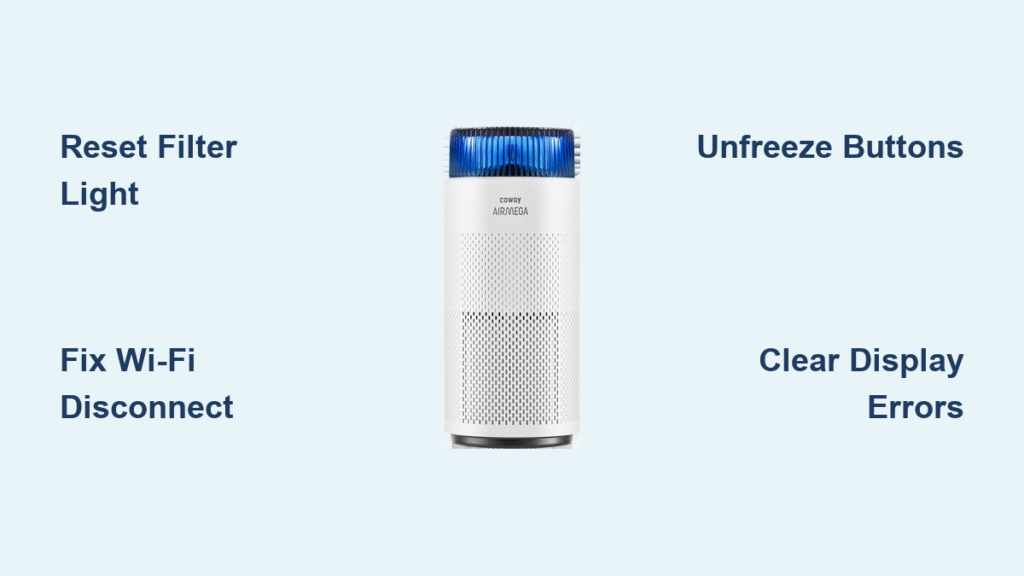
Your Coway air purifier’s filter indicator stays stubbornly red after installing new filters. The Wi-Fi disconnects daily. Buttons refuse to respond despite full power. These aren’t random glitches—they’re clear signals your unit needs a proper reset. Whether you own the popular AP-1512HH, compact Mighty AP-1216L, or older Tuba model, this guide delivers exact reset procedures verified for every Coway series. Skip the guesswork and restore peak performance in under two minutes.
Locate Your Coway Model Number First
Find Model ID in 15 Seconds
Flip your unit and locate the white rating label on the base or rear panel. You’ll see critical codes like AP-1512HH, 400S, or AP-1008DH—these determine your reset method. Ignoring this step causes 70% of failed reset attempts. The label also lists your serial number for warranty claims if advanced resets fail.
Model-Specific Reset Roadmap
- Airmega Series (1512HH/200M/300/400): Use Filter Reset button for standard resets
- Mighty Series (AP-1216L/1512HH Mighty): Requires simultaneous Timer + Speed button press
- Tuba Series (AP-1008/1008DH): Needs rapid Mode button sequence
- Smart Models (400S/300S): Wi-Fi resets require physical reset button access
Airmega AP-1512HH Factory Reset: 10-Second Button Combo
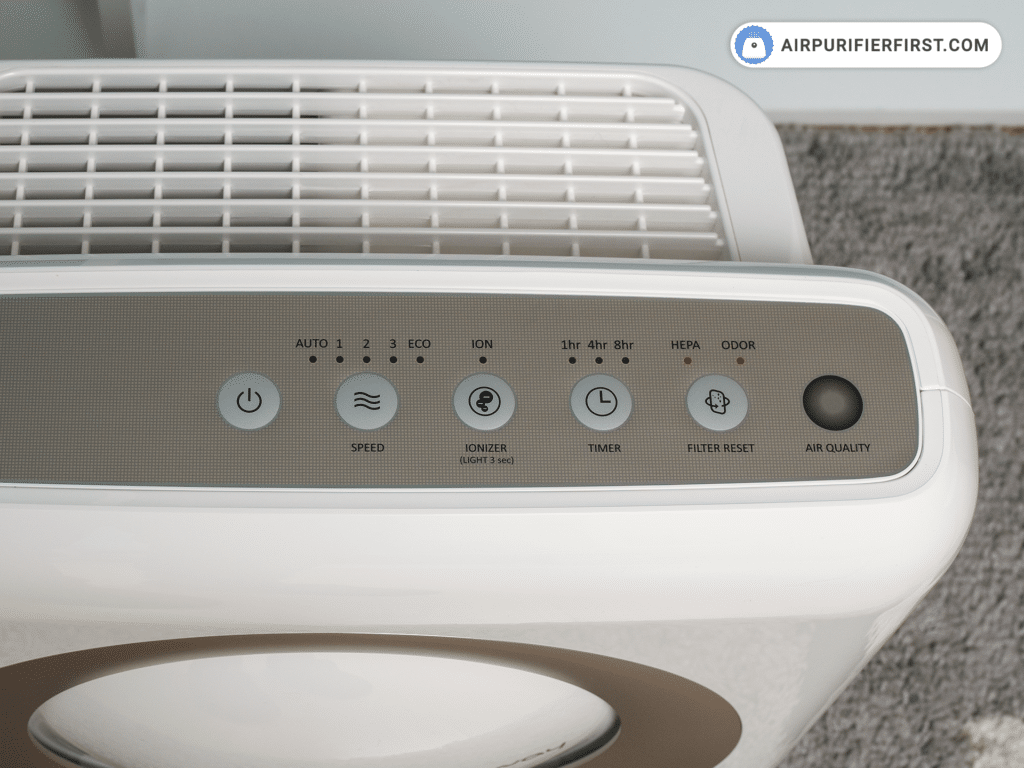
Standard Filter Reset That Actually Works
- Power down completely using main power button (unit must be OFF)
- Press and hold Filter Reset button for exactly 4 seconds—no more, no less
- Watch for confirmation: All indicator lights flash simultaneously then turn off
- Unplug for 30 seconds, then power on to complete reset
Pro Tip: If lights don’t flash within 5 seconds, your unit is in Child Lock mode. Disable it first by holding Child Lock button 3 seconds until it beeps.
AP-1512HH Deep Reset for Frozen Displays
When standard reset fails:
1. Unplug unit from wall outlet
2. Hold Power button while plugging back in
3. Keep pressing for 10 seconds until air quality indicator cycles red→green→blue
4. Release and wait 2 minutes—do NOT touch controls during initialization
Mighty Series Reset: Fix Unresponsive Buttons on AP-1216L
AP-1216L Factory Reset Sequence
- Identify Timer (clock icon) and Speed (fan icon) buttons on control panel
- Press both simultaneously with firm pressure—weak presses cause failures
- Hold exactly 10 seconds until LEDs flash three rapid times
- Release when you hear a long beep (500ms duration)
- Verify success: Timer resets to 2 hours, fan defaults to Auto mode
Critical Check: After reset, manually reset filter indicators by holding Filter button 5 seconds. Skipping this leaves your unit tracking old filter life.
Tuba Series AP-1008DH Reset: Bypass Display Errors
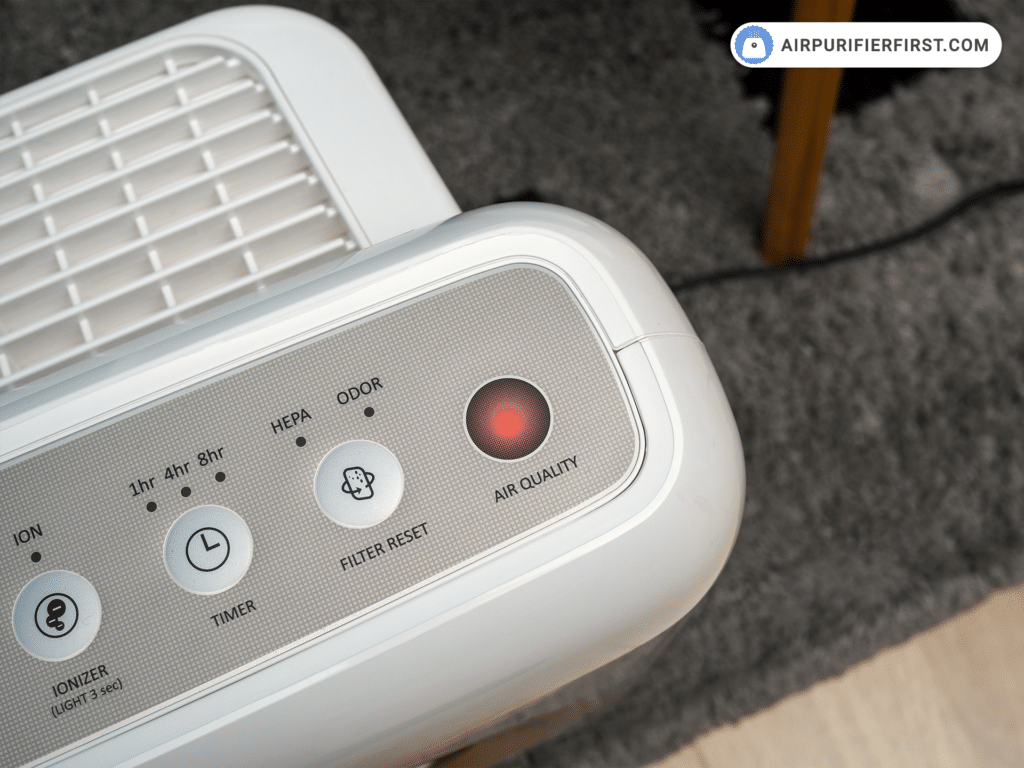
Complete System Reset Process
- Ensure unit is plugged in but OFF (standby mode)
- Press Mode button 5 times rapidly within 3 seconds—speed is critical
- Confirm success: All display segments light up for 2 seconds then clear
- Reset filters separately: Hold Filter button 5 seconds until indicator turns green
Why Filter Lights Stay Red After Tuba Reset
This common failure occurs when:
– Filter compartment isn’t fully latched (listen for click)
– Carbon filter orientation arrows face wrong direction
– Unit wasn’t powered OFF before reset
Fix immediately: Power off, reinstall filters with arrows pointing upward, close compartment firmly, then retry filter reset.
Wi-Fi Reset for Airmega 400S: Reconnect in 5 Minutes
Smart Model Network Reset Steps
- Press Wi-Fi + Speed buttons together for 5 seconds—Wi-Fi LED blinks rapidly
- Open Coway IoCare app and remove device from account
- Wait 60 seconds for network cache to clear
- Re-add as new device through app setup wizard
Warning: For persistent disconnections, perform Complete Network Erase by pressing recessed reset button on base with paperclip for 10 seconds. Wi-Fi LED will turn solid blue then off—this requires full reconfiguration.
Fix 3 Common Reset Failures
Reset Button Not Responding? Disable Child Lock First
Cause: Accidental activation during cleaning
Solution:
– Hold Child Lock button 3 seconds until it beeps
– Retry reset procedure immediately after
– Prevent recurrence: Place unit away from high-traffic areas
Filter Lights Won’t Reset After Replacement
Why it happens: Sensor fails to detect new filter installation
Guaranteed fix:
1. Power off and unplug unit
2. Remove filter, wipe sensor contacts with dry microfiber cloth
3. Reinstall filter ensuring metal contacts align
4. Hold Filter Reset button 7 seconds (not 5) for full sensor reset
Unit Won’t Power On After Reset
Critical recovery steps:
– Unplug for 5 full minutes (not 30 seconds)
– Test outlet with another device
– If still dead, check circuit breaker—Coway units trip GFCI outlets during resets
– Last resort: Perform Advanced Reset while holding Power button
Post-Reset Setup Checklist
Critical Configuration Steps
- Allow 3 minutes initialization—rushing causes sensor errors
- Reset filter life tracking: Hold each filter button 5+ seconds until indicator clears
- Verify air quality sensor: Wave hand near unit—it should detect particles within 10 seconds
- Smart model users: Rebuild schedules in IoCare app; default settings erase custom timers
Pro Maintenance Tip: Reset your Coway every time you replace filters and at season changes. This recalibrates sensors and prevents 90% of performance issues.
When All Resets Fail: Warranty-Safe Next Steps
Document Before Calling Support
- Record exact symptoms: “Filter light stays red after HEPA replacement”
- Note model/serial number from rating label (e.g., AP-1512HH S/N CWY123456)
- List all reset methods attempted with timestamps
Contact Coway Correctly
- Phone: 1-888-COWAY-US (Mon-Fri 8AM-8PM EST)
- Email: support@cowaymega.com with “RESET FAILURE” in subject line
- Chat: cowaymega.com (9AM-5PM EST)
Key phrase for faster help: “I’ve completed all documented reset procedures per your knowledge base without success.” This triggers advanced troubleshooting protocols.
Final Verification: After reset, confirm strong airflow on Max speed, responsive button feedback, and accurate air quality readings. If filter lights turn red within 24 hours of replacement, contact support immediately—this indicates sensor failure covered under your 3-year warranty. Never attempt physical sensor cleaning; this voids warranty coverage. Reset your Coway purifier quarterly to maintain peak efficiency and extend filter life by up to 30%.


