
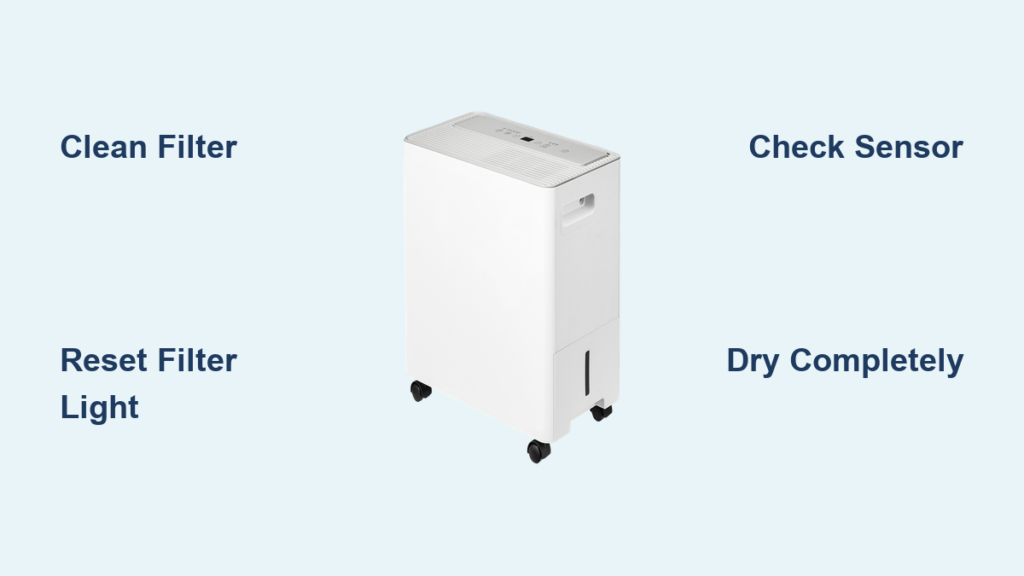
Your Midea dehumidifier’s filter light won’t stop blinking, and you’re wondering what it means and how to make it stop. This common issue affects nearly every Midea owner at some point, but the good news is it’s usually a simple fix that takes under 10 minutes. Whether you’re dealing with a Cube, Comfort, or Smart series unit, this guide walks you through exactly what causes the blinking and how to resolve it permanently. Ignoring this alert can reduce your dehumidifier’s efficiency by up to 30%, so let’s get your unit back to peak performance right now.
Why Your Midea Filter Light Blinks Every 5 Seconds
The blinking filter light isn’t just a random alert—it’s your dehumidifier’s way of saying the filter is clogged and restricting airflow. Unlike time-based reminders on other appliances, Midea’s system uses actual performance data. When sensors detect reduced airflow through the filter, they trigger the blinking light as a performance-driven maintenance alert. This happens because your filter has reached its maximum particle retention capacity, which varies dramatically based on your environment.
Critical insight: The light activates based on accumulated particles, not calendar days. This means a dusty basement might trigger the alert in 2 weeks, while a clean bedroom might take 8 weeks. High-particle environments like homes with pets or during pollen season can trigger the blinking filter light in as little as 10 days, while low-dust spaces might go 2-3 months between alerts.
Immediate Causes Behind Your Blinking Filter Light
Airflow Restriction That Triggers the Alert
When your filter becomes saturated with dust, pet dander, or pollen, the dehumidifier’s internal sensors detect the reduced airflow. This restriction impacts both dehumidification efficiency and potentially strains internal components, making the alert system crucial for preventing damage. The blinking starts precisely when airflow drops below the manufacturer’s specified threshold—typically when 70-80% of the filter’s capacity is reached.
Filter Saturation Threshold by Environment Type
Your specific environment determines how quickly that blinking light appears:
– High-dust areas: 2-3 weeks (construction zones, workshops, or pet-heavy homes)
– Normal homes: 4-6 weeks (typical residential settings with average dust levels)
– Clean environments: 8-12 weeks (minimal dust, no pets, and regular HVAC maintenance)
Sensor Calibration Problems After Cleaning
Sometimes the filter light blinks even after cleaning because the system hasn’t been properly reset. The sensors need recalibration through the reset procedure to accurately measure post-cleaning airflow levels. If you simply clean the filter without resetting, the unit continues to operate as if the filter were still clogged, causing the persistent blinking you’re experiencing.
How to Reset Your Midea Filter Light in 30 Seconds
Standard Reset Method for Most Models
- Power check: Ensure dehumidifier is on and in standby mode
- Locate button: Find the filter reset button (filter icon symbol)
- Press and hold: Hold for 3-5 seconds
- Observe light: Should stop blinking, stay solid for 3 seconds, then turn off
- Release: Let go when light completely extinguishes
Pro tip: If the light doesn’t respond within 5 seconds, unplug the unit for 30 seconds and try again. Some models require the unit to be in standby mode (not actively dehumidifying) for the reset to work.
Model-Specific Reset Procedures

Cube Series (MAD50S1QWT, MAD35S1QWT)
- Press FILTER button for 2 seconds until indicator turns off
- Display shows “CL” briefly to confirm completion
- Critical step: Wait 60 seconds after reset before expecting normal operation
Comfort Series (MAD50PS1QWT, MAD35PS1QWT)
- Hold UP + DOWN arrows simultaneously for 3 seconds
- Light flashes twice rapidly before turning off
- Troubleshooting tip: If light persists, check for debris around sensor area first
Smart Series (Wi-Fi Models)
- Open Midea Air app
- Navigate to “Filter Life” in device settings
- Select “Reset Filter Timer”
- Confirm reset on unit when app prompts
- Important: Ensure your phone has strong Bluetooth connection to the unit
Filter Cleaning That Actually Stops the Blinking

When to Clean Based on Your Environment
Don’t wait for the light to blink if you’re in a high-dust environment. Be proactive:
– Light use: Every 2-4 weeks when indicator activates
– Heavy use: Every 1-2 weeks (homes with pets or allergy sufferers)
– Continuous operation: Weekly inspections for early saturation signs
Correct Cleaning Process That Prevents Mold
- Power down: Unplug the dehumidifier completely
- Remove filter: Pull tab on front panel to extract filter
- Vacuum first: Use brush attachment to remove loose debris (critical step many skip)
- Rinse gently: Use lukewarm water (hot water damages filter media)
- Soap for stubborn spots: Mild dish soap with soft brush
- Rinse thoroughly: Until water runs completely clear
- Dry completely: Air dry 4-6 hours minimum (set in direct sunlight if possible)
- Triple check dryness: Ensure 100% dry to prevent mold—press filter firmly; no moisture should transfer to your hand
Warning: Never reinstall a damp filter. This causes mold growth inside your unit and triggers persistent blinking even after reset.
Fixing Persistent Filter Light Blinking After Cleaning
Light Returns Immediately After Reset
Sensor Obstruction Solutions
- Check compartment: Remove debris blocking airflow sensor (use flashlight)
- Clean sensor: Use compressed air gently around sensor area (no direct contact)
- Inspect for damage: Look for bent or broken sensor components near filter housing
Filter Installation Check
- Full seating: Ensure filter clicks completely into place (listen for the snap)
- Correct orientation: Match directional arrows on filter frame to unit markings
- Seal gaps: Run your finger around edges to check for air bypass
Advanced Reset Options for Stubborn Lights
Power Cycle Method (90% Success Rate)
- Unplug for 30 minutes (longer than most guides recommend)
- Deep clean filter during wait (scrub gently with soft brush)
- Reinstall completely dry filter (test with paper towel for moisture)
- Power on and wait 2 minutes for system initialization
- Perform standard reset procedure immediately after startup
Factory Reset for Smart Models
- Open Midea Air app
- Select device → Settings → Advanced → Restore Factory Settings
- Reconnect Wi-Fi and reconfigure basic settings
- Test filter response by manually activating and resetting
Preventing Future Midea Filter Light Blinking Issues
Weekly Maintenance That Saves Time
- Visual check: Look through front grille at filter (should see light through it)
- Exterior cleaning: Dust surfaces to reduce particle load entering unit
- Sound check: Listen for unusual vibrations that indicate airflow problems
Reduce Filter Load by 50% With These Strategies
- Air purifier: Use in same room to share particle load (HEPA filter models work best)
- Strategic positioning: Keep away from direct dust sources like vents or doorways
- HVAC maintenance: Clean system filters monthly to reduce overall particles
- Pre-filter accessories: Consider for extremely dusty spaces (construction areas)
Pro tip: In pet households, vacuum the area around your dehumidifier daily. Pet dander settles quickly and dramatically reduces filter life, causing your Midea dehumidifier filter light blinking issue to return every 7-10 days instead of monthly.
When to Call Midea Support Instead of DIY Fixing
Professional Service Indicators
- Multiple reset failures with confirmed clean, properly installed filter
- Error codes with filter light (E1, E2, F0 indicate sensor or electrical problems)
- Physical damage in filter compartment like cracked housing or bent sensors
- Complete unit failure when filter light active (no fan operation)
Warranty Reality Check You Need to Know
- Filter maintenance: Owner responsibility, not covered under warranty
- Neglect consequences: Voids related warranty claims for compressor or sensor issues
- OEM requirements: Use original Midea filters to maintain warranty validity
- Documentation: Keep filter purchase receipts for potential warranty claims
The blinking filter light on your Midea dehumidifier is your friend, not your enemy. It’s preventing expensive repairs and maintaining your air quality. Most issues resolve with proper cleaning and reset procedures—95% of blinking filter light problems stem from either a dirty filter or incomplete reset process. Clean your filter when the light blinks, reset the indicator correctly for your specific model, and your dehumidifier will return to peak performance within minutes. Implement the weekly visual checks and monthly deep cleans outlined here, and you’ll reduce your filter light blinking incidents by at least 70%. Remember: that blinking light isn’t an annoyance—it’s your early warning system protecting your investment and your indoor air quality.


