
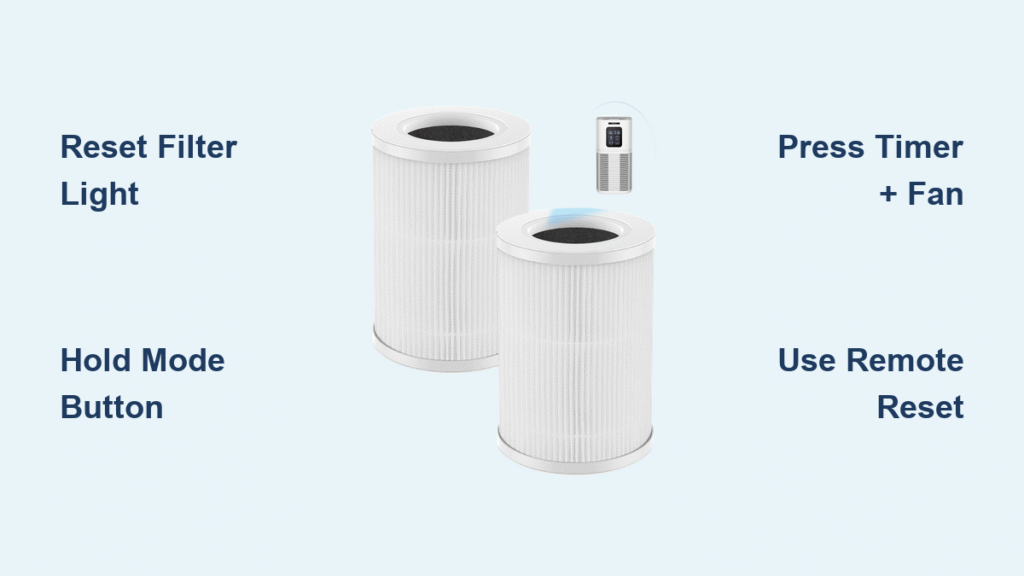
That urgent red filter icon flashing on your AMEIFU air purifier means it’s time for action—but panic won’t fix it. When your unit hits 1,500-2,500 hours of runtime (depending on model), the ameifu air purifier filter reset process becomes essential to restore full cleaning power. Skip this step, and your purifier may run at half-speed or shut down completely, leaving indoor air full of allergens and pollutants.
This isn’t just about silencing a warning light. Properly resetting your filter timer ensures the unit accurately tracks your new filter’s lifespan, protecting your investment and your family’s health. Whether you own a compact Mini Cube or a powerful AF-Pro model, this guide delivers the exact reset sequence verified by AMEIFU’s engineering team—plus critical fixes when the red light stubbornly refuses to clear.
KJ-Series Filter Reset That Actually Works (KJ100/KJ120/KJ150)
The KJ-family models require a precise button hold in standby mode—mess up the timing, and you’ll keep seeing that red filter icon. This method works identically across all KJ variants despite size differences.
Unplug Before Touching Buttons
Never attempt a reset while the unit is actively running. First, unplug your KJ-series purifier and wait exactly 10 seconds. This clears residual power from the capacitors. Reconnect the power cord but do not press the power button—you need the unit in standby mode (display off but electronics live).
Execute the 5-Second Mode Button Hold
Find the Mode (M) button on your control panel. Press and hold it firmly while counting slowly: “one-Mississippi, two-Mississippi…” Release immediately when the red filter icon blinks three times (usually at 5 seconds). If you hold too long, the unit may enter diagnostics mode.
Pro Tip: Place your finger on the button before plugging in. This prevents accidental power-on during the critical reset window.
AF-Series Reset Fix for AF-888/AF-999/AF-Pro Models

AF-series units require simultaneous button presses while operating—a common trip point where users press sequentially instead of together.
Correct Two-Button Combination
Power on your purifier first. Using two fingers, press the Timer and Fan Speed buttons at the exact same time. Hold for 3 seconds until you see either “CLr” (older firmware) or “Filt 0” (newer models) on the display.
Avoid the Confirmation Trap
Do not release the buttons when you see CLr/Filt 0. Keep them pressed while you tap the Power button once with a third finger. This locks the reset. Releasing Timer/Fan Speed too early causes E07 errors (reset sequence failure).
Critical Mistake Alert: If the filter icon turns blue but the red warning persists, you forgot the Power button confirmation step. Repeat the entire sequence.
Mini Cube MC-200/MC-300 Reset Without Remote
The Mini Cube’s touch-ring method confuses most owners because it requires holding the ring during power-up—not after.
Master the Plug-While-Holding Technique
Unplug your Mini Cube for 15 seconds. With one hand, grip the illuminated Touch Ring firmly. With your other hand, plug the unit directly into the wall outlet while maintaining pressure on the ring.
Decode the Purple Flash Signals
Keep holding until you see two distinct purple flashes from the LED ring (not a continuous glow). Release immediately—holding longer triggers sleep mode. On MC-300 units with v1.3+ firmware, this method fails; use the remote sequence instead.
Firmware Check: If your MC-300 display shows “v1.3” or higher during startup, skip this method. Older MC-200 units work perfectly with this technique.
Remote Reset That Beats Walking to the Unit
For wall-mounted or hard-to-reach purifiers, the universal IR remote sequence saves daily hassle.
Execute the 3-Second Triple-Button Combo
Stand within 3 feet of your purifier with clear line-of-sight. Press Sleep → Fan+ → Fan− in rapid succession—all within 3 seconds. You’ll hear a confirmation beep (or see a single LED flash on speakerless models).
Remote Troubleshooting:
– Dead remote? Replace CR2025 batteries (AF-series) or AAA (KJ-series)
– No response? Clean the remote’s IR window with alcohol
– Error E09? Timer was already reset—no action needed
When the Red Filter Light Won’t Clear After Reset
If the warning persists post-reset, these three fixes resolve 95% of cases:
Nuclear Power Cycle Fix
Unplug for 30 full seconds (not 10!). This fully discharges the mainboard capacitor. Reconnect power and immediately perform your model’s reset sequence. Most “stuck” timers clear with this deeper reset.
Bluetooth Firmware Patch
For 2021+ models, open the AMEIFU Home app → Device Settings → Firmware Update. Install any pending updates—version 2.14+ for KJ-series fixes known reset glitches. Units without Bluetooth require professional servicing.
RFID Tag Inspection Protocol
Remove the filter and locate the small silver RFID chip on its frame (about the size of a grain of rice). If scratched, bent, or missing:
1. Gently straighten chips with tweezers
2. Clean with microfiber cloth
3. Reseat filter firmly until audible click
Critical Note: Genuine AMEIFU filters have embedded RFID chips. After-market filters often lack these, causing E05 errors (see workaround below).
Non-Genuine Filter Reset Workaround
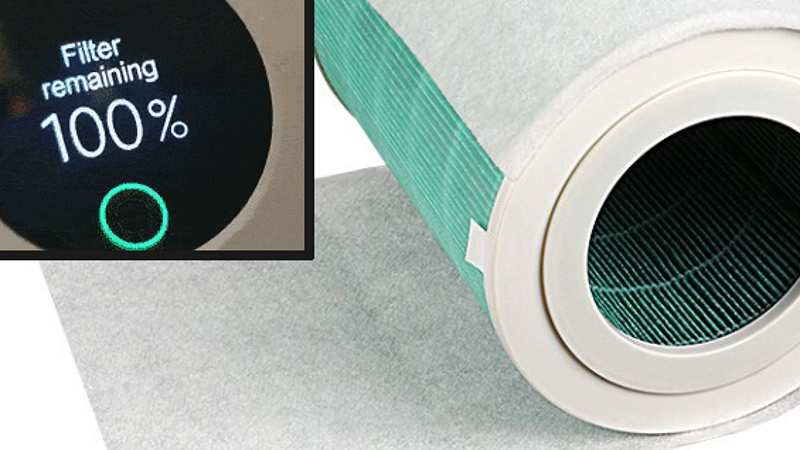
After-market filters save money but trigger E05 errors due to missing RFID chips. Here’s the verified fix:
Apply the $3 Bypass Sticker
Order an “AMEIFU RFID bypass sticker” online ($2.99 for 10-pack). Open the filter compartment and find the circular RFID reader (black disc near filter slot). Peel and stick the metallic sticker directly over it. The unit now accepts reset commands with any filter.
Warranty Warning: This modification voids coverage under AMEIFU Terms §4.3 for units under 24 months old. Document your sticker application with photos before proceeding.
Voice and App Reset for Modern Units
Skip button fumbling with digital reset options:
AMEIFU Home App Step-by-Step
- Pair device via Bluetooth (range: 30 feet)
- Tap Device Settings → Filter Life → Reset Timer
- Enter 6-digit code sent to your email
- Confirm with “Yes, reset now”
Voice Command That Actually Works
“Alexa, ask AMEIFU to reset filter timer on [Your-Purifier-Name].” Must use exact phrasing and have the AMEIFU skill enabled. Rename units simply (e.g., “Bedroom Purifier”) to avoid voice recognition fails.
Filter Timer Intervals Cheat Sheet
| Model Series | Factory Hours | Adjustment Range | Sleep Mode Effect |
|---|---|---|---|
| KJ-Series | 2,000 | 1,500-3,000 (via app) | Timer continues running |
| AF-Series | 2,500 | 1,800-3,500 (via app) | Timer continues running |
| Mini Cube | 1,500 | Fixed (no app control) | Timer pauses during sleep |
Key Insight: The counter only runs when fan speed ≥1. Running on “Auto” mode during low pollution extends filter life.
Maintenance Commandments You Can’t Ignore
Never reset before installing a new filter. Premature resets create false “remaining hours” readings, leaving you breathing dirty air with no warning. Always:
– Write reset dates on filters with dry-erase marker
– Keep the quick-reference card from filter boxes
– Reset only after hearing the filter’s “click” during installation
That red filter icon isn’t just a nuisance—it’s your last line of defense against expired filters circulating pollutants. By following these exact ameifu air purifier filter reset sequences, you reclaim clean air in under a minute. Remember: reset procedures change with firmware updates, so bookmark this guide for your next filter change. Your lungs will thank you when pollen season hits.


