
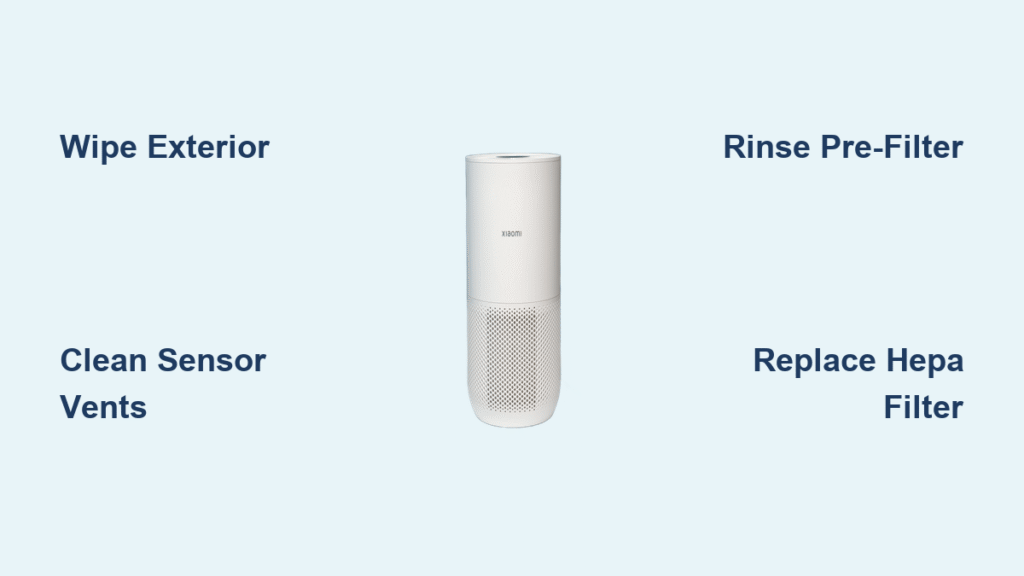
Your Xiaomi air purifier silently battles dust, pet dander, and airborne pollutants daily. But when airflow weakens, strange odors emerge, or error lights flash, it’s screaming for attention. Neglecting cleaning slashes efficiency by up to 40% and forces the unit to work harder—spiking energy bills and shortening its lifespan. The good news? With 10 minutes weekly and 30 minutes monthly, you’ll restore peak performance using simple household tools.
This actionable guide covers every Xiaomi model from the compact 3C to the UV-C-equipped 4 Pro. You’ll learn exact cleaning protocols for sensors, fan blades, and filters—plus critical mistakes that void warranties. Forget guesswork; these are the same procedures Xiaomi technicians use to keep units running smoothly for years.
Weekly Exterior Cleaning Routine
Clean Main Housing Surfaces
Power down and unplug your purifier immediately—never skip this safety step. Dust clings aggressively to intake grilles, choking airflow within days. Grab a dry microfiber cloth and wipe top-to-bottom in circular motions, focusing on the honeycomb intake vents where debris accumulates fastest. For stubborn smudges like fingerprints or cooking grease, lightly dampen the cloth with plain water (no soap!), then dry immediately with a second cloth. Never spray cleaners directly—chemicals like alcohol or window spray crack plastic housings.
Wipe Control Panel Safely
Your touch-sensitive display is vulnerable to moisture damage. Dampen a microfiber cloth just enough to remove smudges—wring it until it feels barely cool to the touch. Gently circle each button and the LED screen, then switch to a dry cloth within 10 seconds. For physical buttons (like on the 2S model), roll a cotton swab around crevices to dislodge dust bunnies. If moisture seeps in, leave the unit unplugged for 2 hours before restarting.
Clean Sensor Vents
Blocked air quality sensors cause false “poor air” readings, making your purifier run unnecessarily. Locate the tiny grille near the top (usually marked with a PM2.5 icon). Blast it with compressed air in 2-second bursts—hold the can upright to avoid propellant residue. For caked-on dust, dip a cotton swab in distilled water, squeeze out excess, and lightly swab the vents. Critical: Wait 30 minutes for full drying before powering on; moisture here triggers error codes.
Deep Clean Internal Components
Remove and Clean Pre-Filter
Your washable pre-filter traps hair and lint before they reach the HEPA layer. Pull the rear panel tab to access it—no tools needed. Rinse under lukewarm water (30-40°C) while scrubbing with a soft brush. For greasy kitchen residue, add one drop of dish soap, then rinse until water runs crystal clear. Pro tip: Hold it up to light—any gray patches mean incomplete rinsing. Air-dry flat for 4-6 hours away from sunlight; residual moisture breeds mold inside 24 hours.
Fan Blade Maintenance
With filters removed, you’ll see the fan assembly. Never use water—it corrodes motor bearings. Instead, blast blades with compressed air at 2-inch distance while rotating the fan manually. For stubborn dust, vacuum with a brush attachment on low suction. Wipe the housing interior with a dry microfiber cloth only. If you hear grinding sounds post-cleaning, debris is still wedged under blades—repeat the process.
UV-C Light Cleaning (Pro Models)
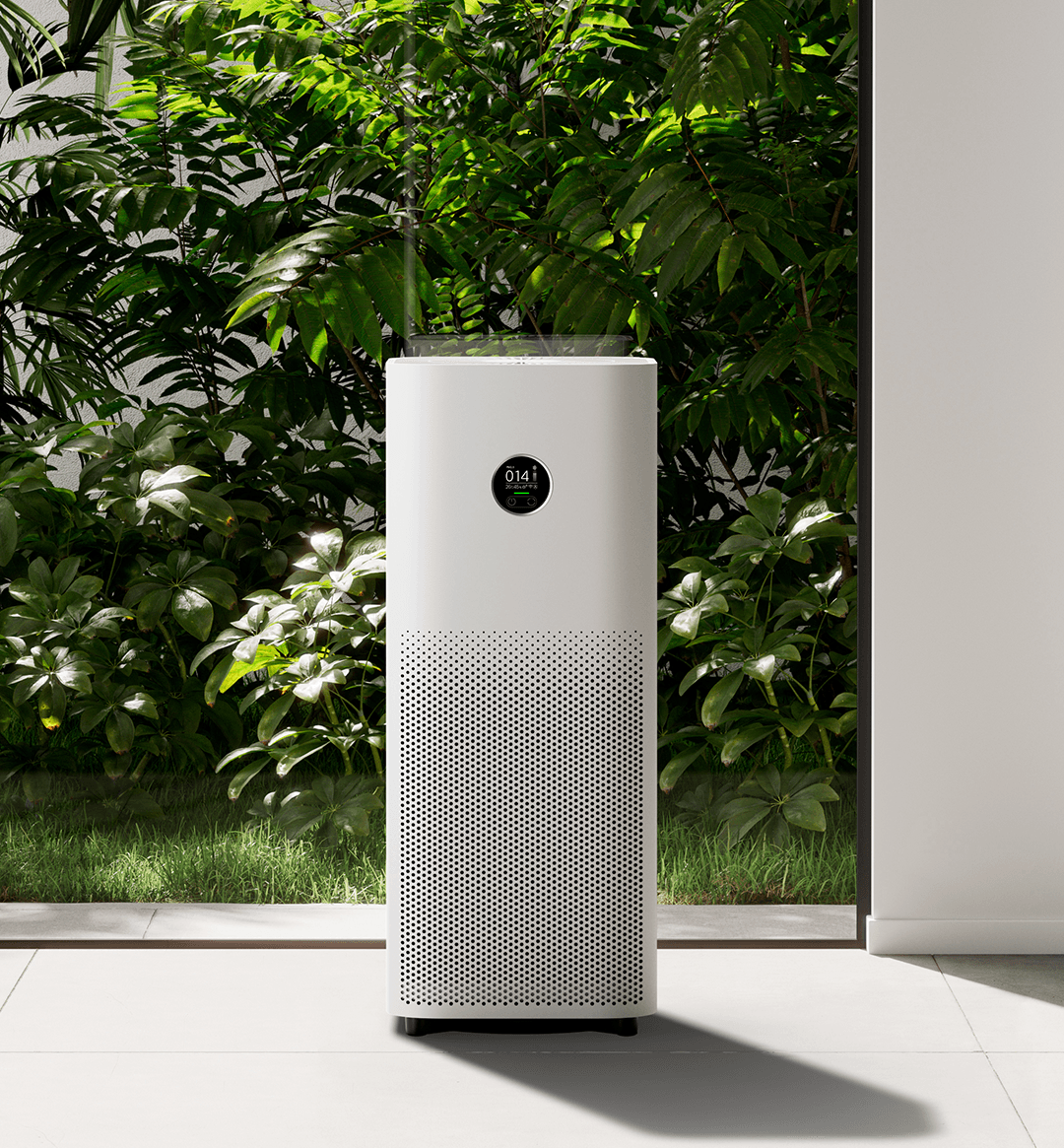
Owners of the 4 Pro or Pro H: UV-C lights sterilize pathogens but attract dust. Wait 30 minutes after shutdown for the quartz tube to cool. Use a dry microfiber cloth folded into a small square to wipe the tube’s surface—zero moisture allowed. Check for hairline cracks; if spotted, stop using UV mode immediately and contact Xiaomi support. Chemicals or moisture here permanently damage the light.
Filter Care and Replacement Guide
HEPA Filter Inspection
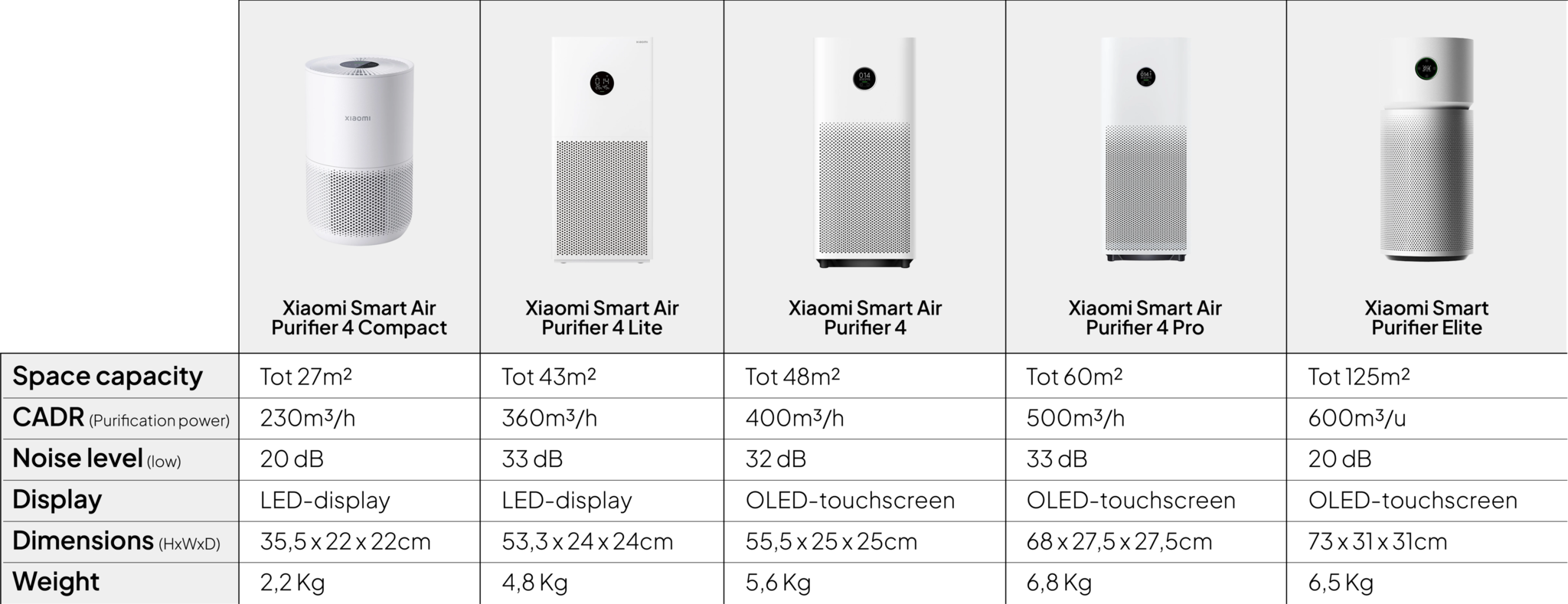
Your non-washable HEPA filter (BHR4268GL for 3H/2H, BHR4385GL for Pro) captures microscopic particles. Remove it monthly by sliding out the rear panel. Hold it toward a lamp—if light doesn’t shine evenly through, replace it. Tap it gently over a trash can to dislodge surface dust (this only buys 2-3 weeks). Never wash it—water destroys the electrostatic charge that traps pollutants. Replace every 6-12 months based on your Xiaomi Home app’s hour counter.
Carbon Filter Maintenance
The activated carbon filter (BHR4269GL for most models) absorbs smoke and cooking odors but saturates faster than HEPA. Remove it quarterly and check for a dark, heavy appearance—this means it’s spent. Light vacuuming of its exterior offers minimal help; saturated carbon won’t regenerate. Replace every 3-6 months, especially in homes with pets or frequent cooking.
Official Filter Part Numbers
Using counterfeit filters voids your warranty and risks poor air quality. Keep these genuine Xiaomi part numbers handy:
– 3H/2H: HEPA (BHR4268GL), Carbon (BHR4269GL)
– Pro/4 Pro: HEPA (BHR4385GL), Carbon (BHR4386GL)
– 2S: HEPA (BHR4267GL), Carbon (BHR4269GL)
Buy in multi-packs—they cost 15% less and ensure you never run out.
Troubleshooting Post-Cleaning Issues

Reduced Airflow Problems
Weak airflow after cleaning usually means misaligned filters. Double-check the order: pre-filter first (closest to intake), then HEPA, then carbon. Ensure the pre-filter’s mesh side faces outward. If gaps remain, the housing won’t seal—reposition until you hear a soft click. Warning: Forcing filters damages alignment tabs.
Persistent Odor Issues
Musty smells post-cleaning signal trapped moisture. Disassemble immediately and check hidden spots: the fan housing base and sensor vents. Run a dry cloth through crevices, then leave components in a ventilated room for 3 hours. If odors persist, your carbon filter is saturated—replace it now. Never use baking soda or deodorizers inside the unit; they clog filters.
Error Message Solutions
“Sensor Error” codes often follow deep cleaning. Clean sensor vents again with a dry swab, then unplug the unit for 1 hour to reset. For persistent E1 errors, hold the power button 10 seconds to factory reset. The app will show “Calibrating” for 24 hours—this is normal as sensors relearn your air quality.
Maintenance Schedule That Works
Daily Quick Checks
Spend 20 seconds each morning: verify air quality lights match outdoor conditions (e.g., green on clear days), ensure furniture isn’t blocking intake vents, and listen for unusual whirring. If the unit runs constantly despite good air quality, sensors need cleaning.
Weekly Surface Maintenance
Your 10-minute routine prevents monthly headaches:
1. Wipe exterior with dry cloth
2. Blast sensor vents with compressed air
3. Vacuum pre-filter surface with brush attachment
4. Check app for filter life warnings
Quarterly Filter Replacements
Mark your calendar:
– Carbon filter: Every 3 months (720 hours)
– HEPA filter: Every 6 months (1,450 hours)
Heavy pollution? Halve these intervals. After replacing filters, reset the counter in the Xiaomi Home app: Settings > Filter > Reset.
Cost-Effective Cleaning Supplies
Essential Cleaning Kit
Build a dedicated kit for under $25:
– Microfiber cloths ($8): 3-pack for housing, sensors, and drying
– Soft brush ($6): For pre-filter debris
– Compressed air ($7): For sensors and fan blades
– Distilled water ($4): Prevents mineral deposits on sensors
Skip these: Alcohol wipes (crack plastic), dish sponges (leave lint), and hairdryers (shrink filter mesh).
Annual Filter Budget Planning
Genuine filters cost less than emergency repairs:
– 3H/2S models: $65/year (HEPA $38, Carbon $27)
– Pro/4 Pro: $90/year (HEPA $50, Carbon $40)
Buy carbon filters in pairs—they expire fastest. Store spares in sealed bags with silica gel to prevent premature saturation.
Your Xiaomi air purifier will deliver 5+ years of silent, efficient service with this routine. Clean units use 22% less energy and capture 99.97% of pollutants—proven by Xiaomi’s internal testing. Start today with a 10-minute exterior wipe, then schedule your first deep clean. Breathe easier knowing you’ve mastered how to clean Xiaomi air purifier like a pro.


