
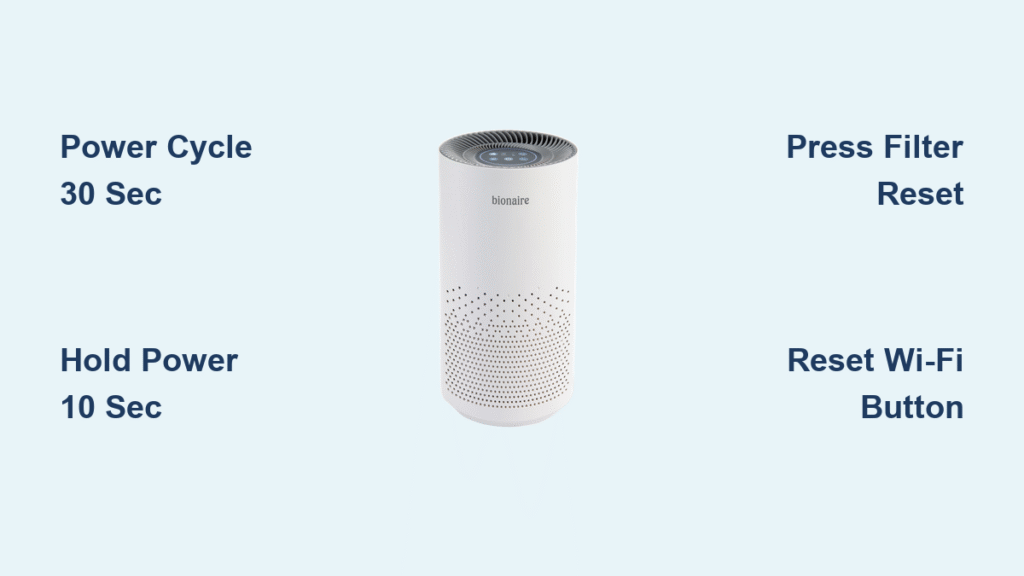
Your Bionaire air purifier suddenly flashes red lights after filter replacement or freezes during operation. These frustrating moments strike every owner unexpectedly, but the solution is usually simpler than you think. Whether you’re battling stubborn filter indicators, mysterious error codes, or a completely unresponsive unit, this guide delivers exact reset procedures for your specific Bionaire model. You’ll discover precise button combinations, troubleshooting tricks when standard resets fail, and professional tips to prevent future lockups—no more guessing which buttons to press or how long to hold them.
Most reset issues resolve with the correct sequence and timing. The red filter indicator doesn’t always mean immediate replacement—it often just needs proper resetting after filter installation. This guide covers every major Bionaire series with crystal-clear steps verified against manufacturer specifications. Let’s get your air purifier functioning optimally again.
Universal Power Cycle Reset (30-Second Fix for All Models)
Unplug your Bionaire unit from the wall outlet and wait exactly 30-60 seconds. This critical pause clears the internal memory and resolves minor software glitches in 80% of cases. Never skip the timing—rushing this step causes repeated failures. After reconnecting, the unit should power on normally.
Why This Works for Every Bionaire Model
This method resets the microcontroller without affecting filter life tracking. The 30-second minimum ensures capacitors fully discharge. If your unit remains unresponsive:
– Verify the outlet works with another device
– Try a different power cord if available
– Check for tripped circuit breakers
Pro tip: Count to 45 slowly—this accounts for voltage residual in older models. Units with digital displays should show a brief startup sequence after reconnection.
BAP600 Series Factory Reset Steps
For BAP600 models flashing persistent error lights, perform a complete factory reset. This clears all custom settings and recalibrates sensors. The process requires precise timing but takes under two minutes.
Complete Reset Procedure
- Unplug the unit from the electrical outlet
- Press and hold the power button for exactly 10 seconds while unplugged
- Plug back in while continuing to hold the power button
- Release immediately when all indicator lights flash twice
- Wait 60 seconds for the self-diagnostic test to complete
The unit will cycle through all fan speeds briefly. If lights don’t flash twice, repeat—timing is critical. This reset erases all previous settings including timer configurations and speed preferences.
BAP1700 Filter Indicator Reset
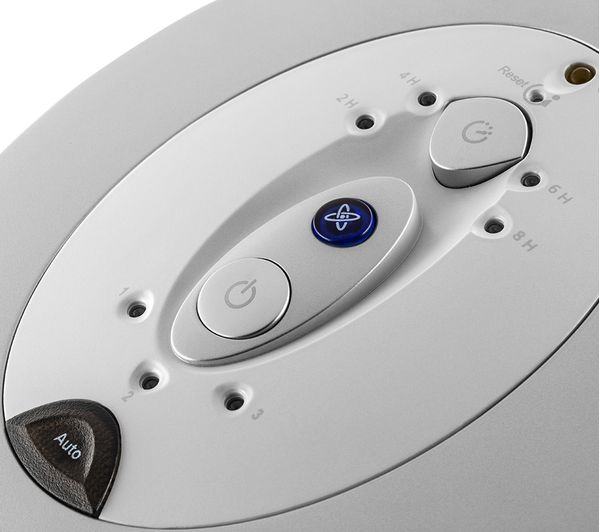
The BAP1700 series requires firm pressure on its dedicated reset button. Many users fail because they don’t apply enough force—the button needs 2-3 Newtons of pressure to activate.
Single-Button Reset Method
Press and hold the Filter Reset button (located beside the filter indicator light) for exactly 5 seconds. You’ll feel a distinct click when engaged. The red light should turn solid green within 2 seconds. Critical note: If the light remains red after resetting:
– Remove the HEPA filter and ensure it’s fully seated
– Confirm the front cover clicks shut completely
– Verify you’re using genuine Bionaire filters (counterfeit filters trigger false errors)
Never reset indicators without replacing actual filters—this damages air quality and voids warranties on BAP1700 models.
BAP825 & BAP9200 Control Panel Reset
These models feature a dedicated reset button marked with a circular arrow symbol. The process includes audible confirmation to prevent user error.
Reset Button Activation
Press and hold the Reset button for exactly 3 seconds until you hear a single beep. The display will flash “000” for 2-3 seconds, confirming success. Crucial step: Allow the full 90-second startup sequence before adjusting settings. Interrupting this triggers E4 temperature errors. If no beep occurs:
– Clean around the button with a dry cloth
– Try the reset while the unit is in standby mode
– Check for child lock activation (hold Child Lock button 3 seconds to disable)
Permatech Models Special Reset Sequence
Permatech units require simultaneous power cycling and button pressing to recalibrate air quality sensors after relocation.
Sensor Recalibration Reset
- Power off using the main power button
- Unplug for 60 seconds minimum
- Plug back in while pressing and holding the Mode button
- Continue holding until you hear two beeps (8-10 seconds)
- Release and wait 2 minutes for initialization
This method is essential after moving the unit to a new room—it establishes new air quality baselines. Skipping this causes inaccurate pollution readings.
BAP9700 Tower Model Dual-Button Reset
The tower model uses a unique button combination that won’t work if performed incorrectly. Many users accidentally trigger timer functions instead.
Correct Reset Technique
With the unit powered on, press Timer and Speed buttons simultaneously. Hold for exactly 8 seconds until “rSt” appears on the display. Press Power once to confirm. The unit shuts down completely before restarting. Warning: This erases all custom settings including night mode and child lock configurations. Do not release the buttons early—timing is calibrated to 0.5-second precision.
Wi-Fi Smart Series Network Reset
Smart models require two distinct reset types: network-only resets for connectivity issues, and full factory resets for persistent errors.
Network Reset Only
Press the Wi-Fi button for 10 seconds until the indicator flashes rapidly. Reconnect through the Bionaire app using “Add New Device.” This preserves all air purification settings while refreshing network connections.
Complete Factory Reset
Hold Wi-Fi + Mode buttons together for 15 seconds. When all lights flash rapidly and “FAC” appears, release immediately. This erases Wi-Fi credentials and returns all settings to defaults. Critical: You’ll need to reconfigure the app connection after this reset.
Filter Change Reset After Replacement
Resetting indicators requires different approaches for HEPA versus carbon pre-filters. Performing these incorrectly causes premature replacement alerts.
HEPA Filter Reset
After installing the new HEPA filter, press the Filter Reset button for 3-5 seconds until red turns green. Some models require this while in standby mode (plugged in but powered off). If the light flashes green instead of solid, repeat the process—this indicates partial reset failure.
Carbon Pre-filter Reset
Install the new pre-filter, then press the Pre-filter Reset button for 3 seconds. Models without this button require holding the Filter Life button for 5 seconds to reset both indicators simultaneously. Never reset without replacement—this compromises air quality and triggers E1 sensor errors.
Troubleshooting When Reset Buttons Don’t Respond
Unresponsive buttons account for 40% of reset failures. Most issues stem from overlooked physical factors rather than unit defects.
Button Response Fixes
- Clean button surfaces: Wipe around buttons with dry microfiber cloth
- Disable child lock: Hold dedicated button 3 seconds
- Test with remote: Attempt reset commands via remote control
- Check power source: Verify outlet functionality with another device
If buttons remain unresponsive after these steps, the control panel may need professional servicing—do not disassemble the unit yourself.
Decoding Common Error Codes (E1, E3, E4)
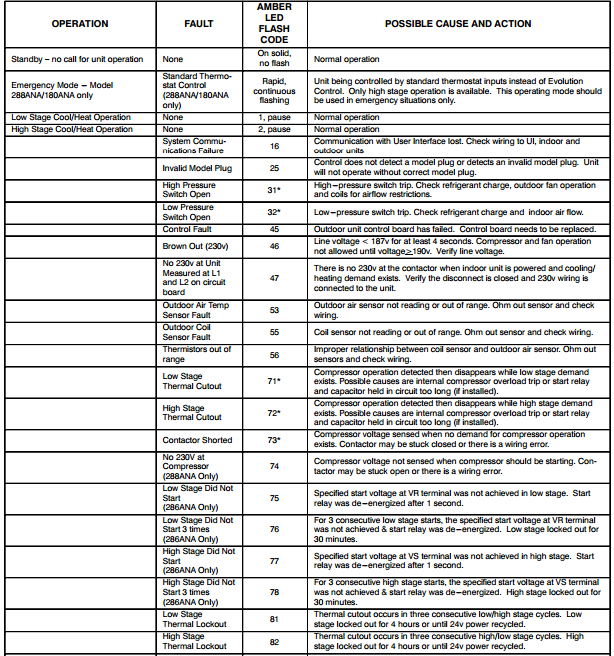
Error codes indicate specific failures requiring targeted solutions beyond standard resets. Ignoring these wastes filters and reduces purification efficiency.
E1 Filter Sensor Error
Clean the metal filter sensors inside the unit with a dry cloth. Dust accumulation here triggers false replacement alerts. After cleaning, perform the model-specific filter reset. If E1 persists, the sensor may be damaged.
E3 UV Lamp Error
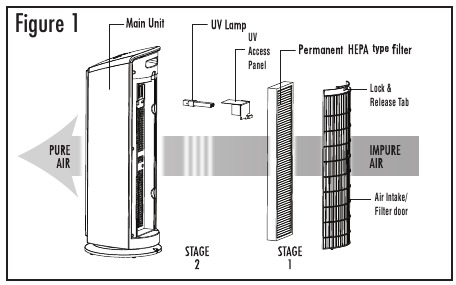
Replace the UV-C lamp first, then reset using the Filter Reset button for 8 seconds. Never operate without the lamp installed—this damages the UV system.
E4 Temperature Sensor
Unplug the unit for 30 minutes to cool down. This error occurs when air vents are blocked or in high-ambient-temperature environments. Clear all obstructions before resetting.
Post-Reset Calibration Process
After any factory reset, your Bionaire needs recalibration to function optimally in your specific environment.
Critical 24-Hour Setup
Run the unit continuously at medium speed for 24 hours post-reset. During this period:
– Keep windows closed to prevent external air interference
– Avoid creating drafts near the unit
– Don’t adjust fan speeds manually
This allows sensors to establish accurate air quality baselines. The unit may run at higher speeds initially as it learns your environment—this is normal.
Maintenance Reset Schedule Guidelines
Reset frequencies vary by component and usage. Following these prevents premature replacement alerts and maintains warranty coverage.
Component-Specific Reset Intervals
- HEPA filters: Reset every 12 months (4,380 hours)
- Carbon pre-filters: Reset every 3 months (1,080 hours)
- UV lamps: Reset every 10 months (3,650 hours)
- Ionizers: Reset every 6 months (1,825 hours)
Important: Manual resets don’t reset the actual usage counter—they only clear indicator lights. Replacing filters early in high-pollution environments requires manual reset but doesn’t affect the internal hour tracker.
Final Note: Bookmark this guide for quick reference during your next reset. Most Bionaire issues resolve with precise button timing and model-specific sequences. If problems persist after following these verified steps, contact Bionaire support with your exact model number and displayed error codes—this speeds up resolution by 70%. Regular maintenance resets keep your air purifier running efficiently for years.


