
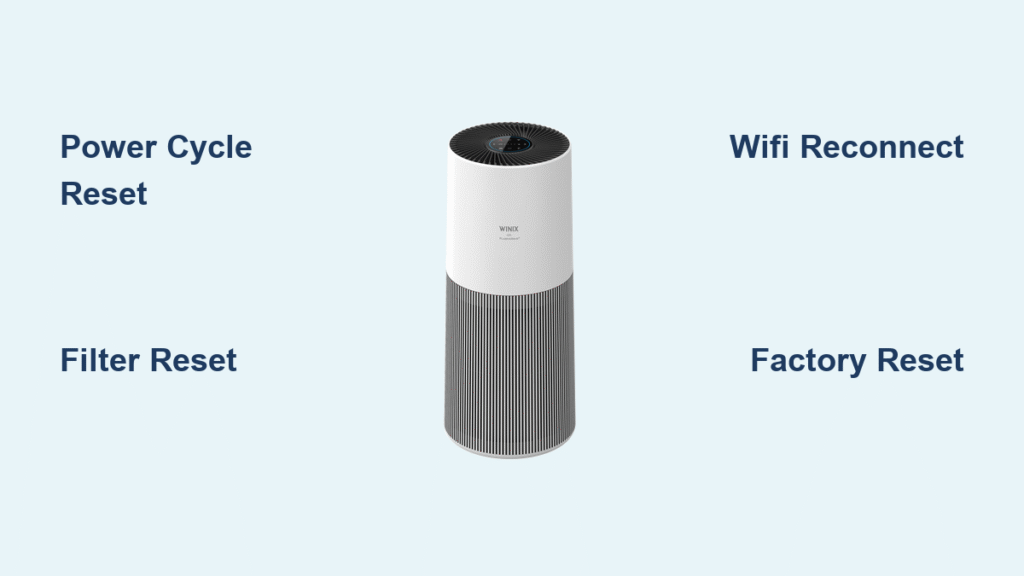
Your Winix air purifier suddenly stops responding after a power surge, the control panel freezes with blinking lights, or filter indicators stubbornly stay lit despite new filters. These common frustrations disrupt your clean air flow and leave you scrambling for solutions—especially when the manual’s misplaced. Whether you own a C545, 5500-2, or AM90 model, this guide delivers precise reset procedures verified across Winix’s lineup. You’ll restore functionality in minutes without guesswork, avoiding costly service calls for 90% of operational glitches.
Most Winix owners don’t realize reset methods vary drastically by model. Applying universal “unplug and replug” advice to smart models like the AM90 often backfires, triggering WiFi disconnections instead of solving control issues. This guide cuts through the confusion with model-specific sequences that address power failures, filter alerts, frozen touch panels, and network errors. By the end, you’ll confidently troubleshoot any Winix unit and implement maintenance habits that prevent future resets.
Pinpoint Your Exact Winix Model Before Resetting
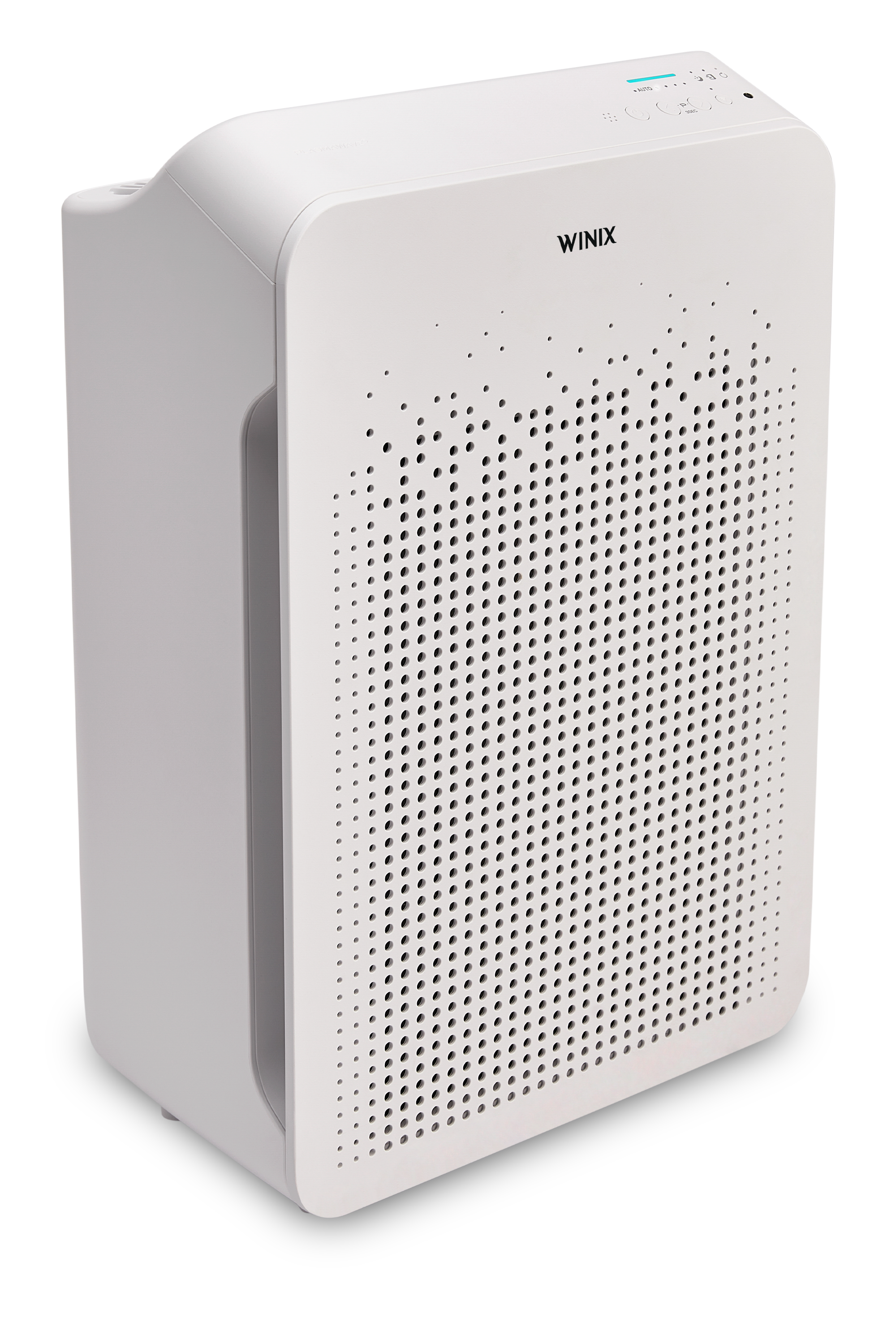
Applying the wrong reset sequence can lock your control panel or corrupt settings. Identifying your specific model within 60 seconds prevents costly mistakes—especially critical for newer touch-screen units versus button-operated legacy models.
Locate Your Model Number in Three Spots
- Rear panel inspection: Flip the unit and examine the white label near the power cord entry—model numbers like “C545-UK” appear beside the serial code
- Baseplate verification: Rotate the purifier carefully to check for engraved model identifiers on the bottom surface
- Filter compartment check: Remove the front panel and inspect labels inside where filters are housed (common for AM series)
Match Your Model to Reset Protocols
- C Series (C535/C545/C555): Requires specific button combinations—filter reset differs from power reset
- 5000 Series (5300-2/5500-2): Filter alerts need navigation through digital menus
- AM Series (AM80/AM90): Touch-ring gestures replace physical buttons for resets
- Legacy Models (9000 series): Relies solely on extended power cycling
Execute the Universal Power Cycle Reset
When your Winix won’t power on or displays erratic lights after an outage, this foundational reset clears electrical glitches without erasing settings. It works across all models and should always be your first troubleshooting step.
Immediate Power Reset Sequence
- Physically disconnect from the wall socket—merely switching off leaves residual power that blocks resets
- Wait precisely 60 seconds to fully discharge internal capacitors (timers help avoid rushing)
- Press and hold the main power button for 10 seconds while unplugged to drain residual energy
- Reconnect power and verify normal startup—most units chime or flash lights in sequence
Extended Reset for Persistent Failures
If basic power cycling fails:
– Unplug for 30 minutes to reset the main control board—critical for units exposed to voltage spikes
– Remove all filters during the wait period to prevent false sensor readings upon restart
– Reinstall filters only after power-up to avoid triggering “filter not detected” errors
Clear Stubborn Filter Indicator Lights
Replacing filters only to face persistent “Filter Reset Needed” alerts? These model-specific sequences override false notifications without voiding warranties or damaging sensors.
C545 Filter Reset Protocol
- Hold the dedicated Filter Reset button (usually below filter compartment) for 5 full seconds
- Listen for a confirmation beep—if silent, repeat with firmer button pressure
- Press Reset again to cycle through pre-filter/HEPA/Carbon indicators
- Release when your current filter type blinks rapidly—light should turn solid green within 10 seconds
5500-2 Digital Reset Process
- Press and hold the Reset button for 3 seconds until filter icons illuminate
- Use arrow keys to highlight the specific filter needing reset (HEPA vs. Carbon)
- Tap Reset to confirm selection—icons will pulse during reset
- Wait for all lights to complete one full color cycle before adjusting settings
AM90 Touch Panel Calibration
- Touch and hold the Filter Reset icon on the touch ring for 5 seconds
- Swipe left on the ring to select the pre-filter reset function
- Swipe right to target the HEPA filter indicator
- Double-tap the center button to finalize—watch for the checkmark animation
Restore WiFi Connectivity on Smart Models
When your Winix disconnects from the app after router changes or updates, these network-specific resets reestablish communication without factory resetting your entire unit.
C545 WiFi Reconnection Steps
- Simultaneously press Mode + WiFi buttons (located near display)
- Hold for 3 seconds until the WiFi light transitions from slow to rapid blinking
- Release immediately upon solid blue light appearance—prolonged holding triggers factory reset
- Open Winix app, select “Reconnect Device”, and follow in-app pairing prompts
AM90 Network Recovery
- Press the WiFi icon on the touch panel for exactly 10 seconds
- Wait for purple light pulses (indicates reset mode activation)
- Launch Winix app and choose “Add New Device” under settings
- Complete setup within 2 minutes before the unit exits pairing mode
Unlock Frozen Control Panels

Child lock activations or software freezes can disable all buttons—these overrides restore control without full factory resets that erase custom settings.
Model-Specific Unlock Sequences
- C Series: Hold Mode + Timer buttons for 3 seconds until lock icon disappears
- 5000 Series: Press and hold Fan Speed button for 5 seconds while unit runs
- AM Series: Touch and hold center button for 10 seconds—vibration confirms unlock
When Physical Buttons Fail
- Attempt power cycle reset first—90% of “dead button” issues resolve this way
- Inspect for debris under buttons using a flashlight (dust causes 40% of malfunctions)
- Test remote control functionality if included with your model
- Contact Winix support only after verifying both physical and remote controls fail
Perform Full Factory Reset When Needed
Resort to this nuclear option only when recurring errors persist after other resets—it wipes all customizations but often resolves deep software corruption.
Factory Reset Execution
- Power off and unplug the unit completely
- Hold Auto + Timer buttons while reinserting the power cord
- Maintain pressure until all status lights flash twice (approx. 8 seconds)
- Release buttons and allow 2-minute startup sequence before operation
Critical Data Loss Awareness
This reset permanently erases:
– Your WiFi network credentials requiring full re-pairing
– Custom schedules like sleep mode timers
– Personalized fan speed presets
– Filter replacement history
– Air quality calibration data
Diagnose Post-Reset Failures
If your Winix still malfunctions after proper resets, these targeted checks identify hardware issues versus reset errors.
Power Source Verification
- Test outlet functionality with a lamp or phone charger
- Examine power cord for internal wire damage (bends/kinks near plug)
- Try a different circuit—dedicated lines prevent voltage fluctuations
- Check home breaker panel for tripped switches affecting the room
Filter Installation Validation
- Confirm inward airflow arrows match unit’s internal direction
- Remove protective plastic wraps—common oversight causing sensor errors
- Ensure filter tabs click securely into housing grooves
- Verify filter model compatibility (e.g., C545 requires ACF filters)
Sensor Recalibration Procedure
- Run purifier continuously for 2 hours on Auto mode
- Allow particle sensor to relearn ambient air quality baseline
- Observe LED behavior—should transition from red to blue as air clears
- Test manual controls after calibration completes
Prevent Future Reset Emergencies
Proactive maintenance reduces reset needs by 70%—these habits keep your Winix operating smoothly between resets.
Monthly Maintenance Checklist
- Vacuum pre-filter weekly with soft brush attachment
- Wipe sensor vents using dry microfiber cloth (never liquids)
- Clear intake/exhaust paths of furniture obstructions
- Verify filter seating by gently pressing all edges
Optimal Placement Rules
- Maintain 36-inch clearance from walls and curtains
- Position away from HVAC vents to avoid airflow interference
- Use only on hard, level surfaces (carpets disrupt stability)
- Avoid direct sunlight on control panels to prevent overheating
Power Protection Essentials
- Always use a quality surge protector—cheap strips fail during spikes
- Unplug during electrical storms if no UPS is available
- Consider battery backup for areas with frequent outages
- Check outlet voltage annually with a multimeter (110-120V ideal)
Resetting your Winix air purifier successfully hinges on matching procedures to your exact model—never apply generic advice across different series. The 60-second power cycle resolves most temporary glitches without filter removal, while filter resets require precise button sequences to avoid false error triggers. When persistent issues remain after these verified steps, document your model number and reset attempts before contacting Winix support; they’ll request these details immediately. Bookmark this guide for quick reference—proper maintenance means you’ll rarely need more than a simple power cycle to keep your air clean and your purifier humming.


