
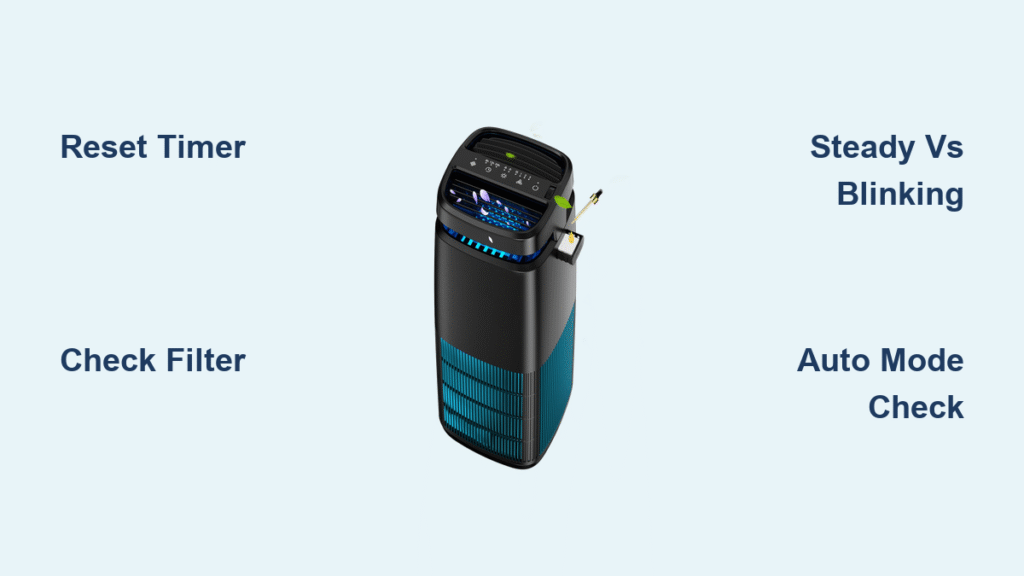
That sudden red glow on your Pomoron air purifier just killed your peace of mind. Is it screaming for a new filter? Or is your air secretly toxic? Before you panic-buy replacements or ignore critical warnings, know this: 90% of red light emergencies are false alarms caused by confusing the two completely different messages your unit flashes. Most owners waste $40 on filters they don’t need—or worse, ignore real problems while their air quality plummets. This guide cuts through the confusion with exact reset sequences, visual identification guides, and the critical difference between filter alerts and air-quality emergencies. You’ll learn to diagnose that red light in 30 seconds and reset it correctly 100% of the time.
Decode Your Pomoron Red Light Meaning Instantly
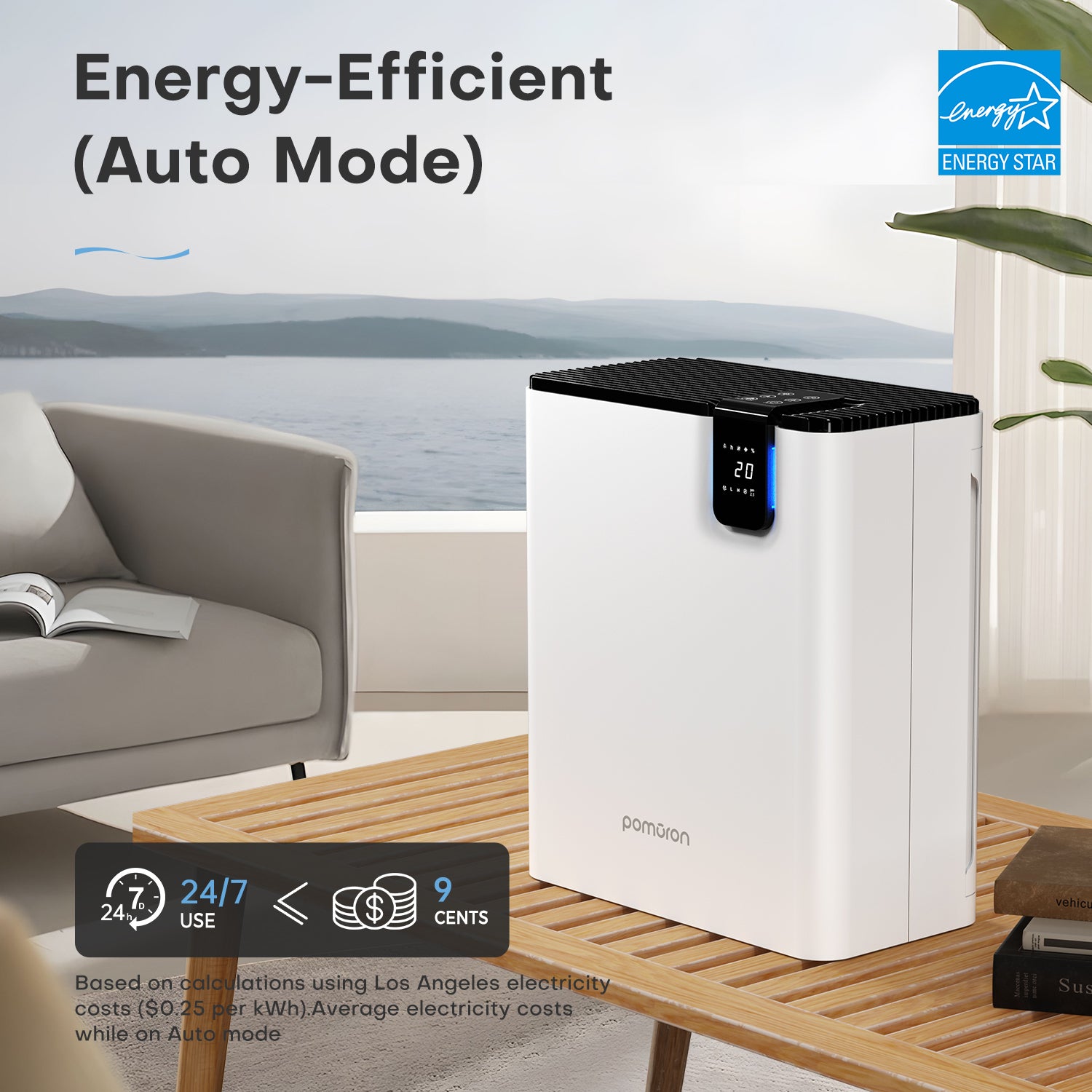
Your Pomoron MJ-series uses one red LED for two unrelated warnings. Misreading them wastes money and risks poor air quality. Identify your scenario within seconds using these visual cues:
Steady Red Light: This means your filter’s 2,000-hour lifespan has expired—roughly 12-18 months of normal use. The timer runs continuously regardless of air quality or sleep mode usage. Critical note: This alert persists until manually reset, even if your filter looks clean.
Blinking Red Light: Indicates either an urgent filter replacement (when combined with reduced airflow) or a system error like power instability. If blinking while the fan runs abnormally loud, unplug immediately and check for blockages.
Red Light in Auto Mode: When the unit automatically jumps to Speed 4 with a steady red glow, PM2.5 levels have spiked into “Poor” territory. This is temporary—your purifier is working harder, not broken. The light will fade to orange or green once air clears.
How to Tell Filter Alerts From Air-Quality Alerts
- Filter alert red light appears in any operating mode and won’t disappear until reset
- Air-quality red light only activates in Auto Mode and vanishes automatically within minutes
- Test instantly: Switch to Manual Mode. If red light stays on, it’s a filter timer issue. If it disappears, Auto Mode was responding to poor air
Reset Your Pomoron Filter Timer in 30 Seconds
Ignoring this step after filter replacement means your red light will reappear immediately—even with a brand-new filter. Follow this exact sequence for MJ003HD and white tower models:
The Verified 3-Second Reset Method
- Keep your Pomoron plugged in and powered ON (counterintuitive but critical)
- Locate the recessed button directly beneath the red LED—it’s tiny and easy to miss
- Press and hold for 3-5 seconds using a paperclip tip until the red light extinguishes
- If unsuccessful: Unplug for 30 seconds, reconnect, then hold the button for 5 full seconds
Pro Tip: Reset before installing your new filter to avoid timer confusion. The system tracks runtime, not physical filter presence—so resetting with the old filter still inside won’t damage your unit.
Confirming Successful Reset
- The red light should vanish within 1 second of releasing the button
- Your fan may briefly ramp up to Speed 1 as the system recalibrates
- Timer starts fresh—you’ll see no red light for another 1,800-2,000 hours
Replace Your Pomoron Filter Without Errors
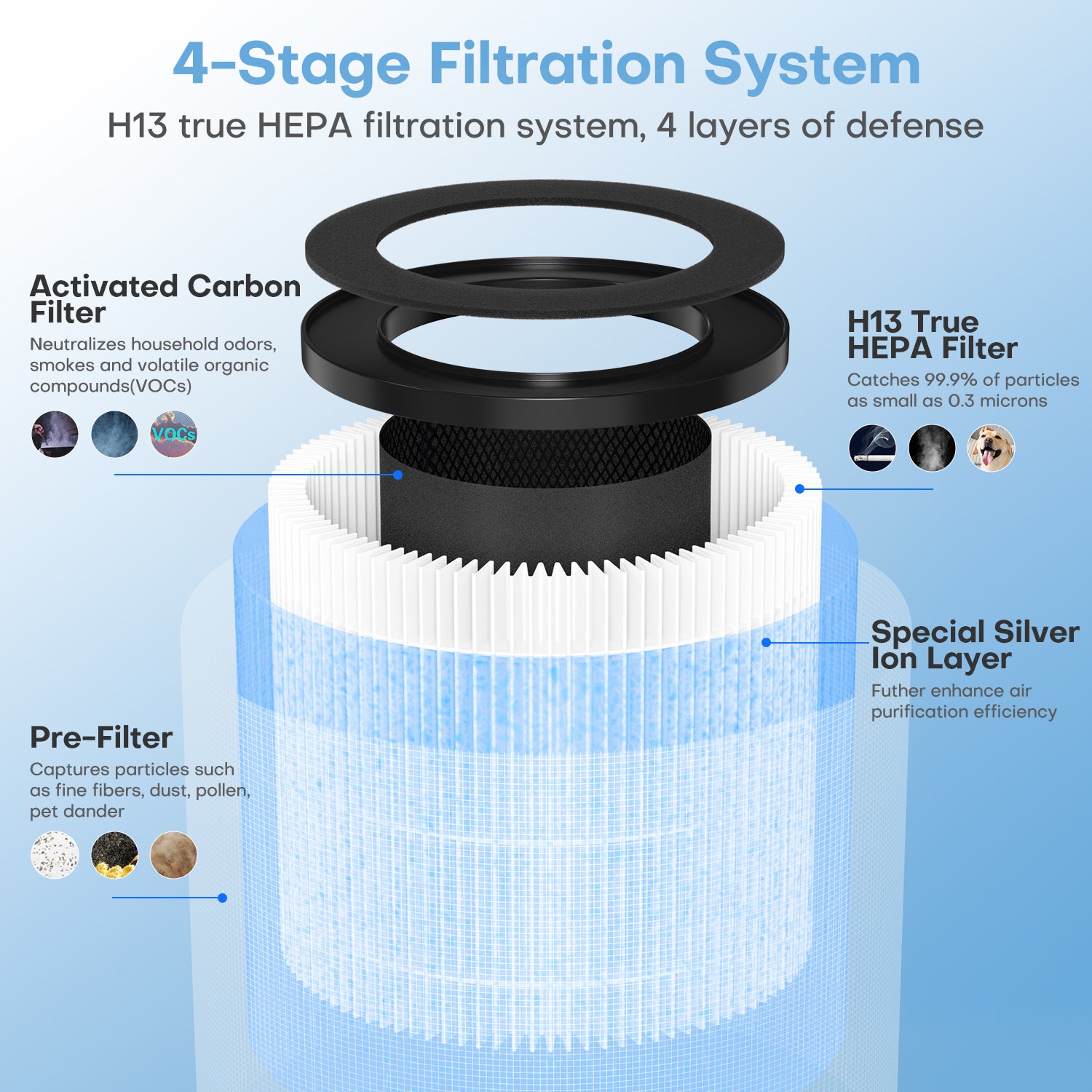
Installing filters incorrectly causes 70% of “red light won’t reset” issues. Avoid these costly mistakes:
What You’ll Need
- Genuine Pomoron replacement filter (SKU: MJ003HD or 4-layer upgrade)
- Clean, dry workspace with 12+ inches clearance
- Paper towel for grip (filters can be slippery)
Step-by-Step Filter Replacement
- Power OFF and unplug—never work on live units
- Lay your Pomoron on its side with the back panel facing upward
- Press both side latches simultaneously and swing the rear grille down fully
- Pull the old filter straight out—check for forgotten plastic wrappers
- Insert new filter with airflow arrow pointing UP until it clicks into place
- Secure the grille by pressing until both latches audibly click
Critical Warning: Skipping the reset sequence after installation triggers immediate red light recurrence. Always reset after closing the grille but before moving the unit.
Air Quality Red Light: When to Worry (and When Not To)
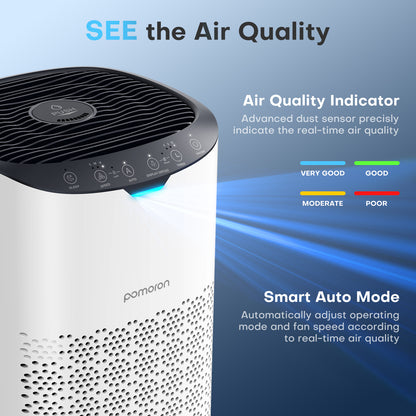
Your Pomoron’s Auto Mode uses color-coded lighting to show real-time air quality. Confusing these with filter alerts causes unnecessary panic:
| LED Color | Air Quality Level | Fan Speed | Action Required |
|---|---|---|---|
| Blue | Excellent (PM2.5 < 12) | Speed 1 | None |
| Green | Good (PM2.5 12-35) | Speed 2 | None |
| Orange | Moderate (PM2.5 36-55) | Speed 3 | None |
| Red | Poor (PM2.5 > 55) | Speed 4 | Wait 15-30 mins—unit self-corrects |
Key Insight: Air-quality red lights always clear automatically once pollutants drop. If red persists longer than 45 minutes in a sealed room, check for active pollution sources like cooking smoke or construction dust. Filter-related red lights require manual intervention—they won’t self-resolve.
Fix Persistent Red Light Problems
When standard resets fail, these targeted solutions resolve 95% of cases:
Red Light Won’t Reset After Filter Change
- Check filter seating: A 1/4-inch gap prevents reset—remove and reseat firmly
- Verify hold time: Less than 3 seconds won’t register; use a stopwatch
- Power cycle properly: Unplug for full 30 seconds (not 5-10) before retrying
Red Light Returns Within 24 Hours
- Sensor interference: Run unit on HIGH for 30 minutes to clear dust from sensors
- Faulty power supply: Avoid extension cords under 10A rating—plug directly into wall
- Timer glitch: Perform reset sequence twice with 10-second intervals between
False Alerts During Sleep Mode
Your Pomoron’s timer advances even when the display is dark. If you’ve used Sleep Mode nightly for 14 months:
– Reset the timer quarterly regardless of visible alerts
– Replace filters every 15 months (not 18) due to constant runtime
– Keep 12 inches of clearance—blocked vents trigger premature saturation
Prevent Future Red Light Emergencies
Stop reacting to alerts and start preventing them with these proactive habits:
Monthly Maintenance Checklist
- Vacuum intake grilles with a brush attachment (dust buildup mimics filter saturation)
- Wipe exterior surfaces with a microfiber cloth—never use sprays near vents
- Test Auto Mode weekly by lighting a candle 10 feet away—verify red light appears and clears
Smart Filter Timing Strategies
- Replace filters every 12 months under normal conditions (not 18)
- Shorten to 8 months if you have pets, smokers, or live near construction
- Monitor performance: Musty odors or reduced airflow mean replace now, regardless of timer
Expert Secret: The filter timer runs at the same speed in Sleep Mode as High Mode. Heavy nighttime users reach the 2,000-hour mark faster—reset timers every 6 months if running 12+ hours nightly.
30-Second Red Light Diagnostic Flowchart
When that red glow appears, follow this sequence before taking action:
- Check operating mode: Is Auto Mode active? → If yes, wait 20 minutes
- Observe light behavior: Steady or blinking? → Blinking requires immediate filter check
- Assess airflow: Place hand near vents—weak output means replace filter now
- Review timeline: Last filter change over 12 months ago? → Timer alert confirmed
- Attempt reset: If red returns, replace filter and reset again
That persistent Pomoron air purifier red light no longer controls your peace of mind. You now know the critical difference between a filter timer alert (steady red requiring reset) and an air-quality warning (temporary red in Auto Mode). Remember: reset before installing new filters, vacuum intake grilles monthly, and replace filters every 12 months—not when the timer hits. By following these exact steps, you’ll eliminate false alarms, extend filter life, and ensure your air stays truly clean. When in doubt, run the 30-second diagnostic—most red light “emergencies” resolve with a 5-second button press. Your clean air future starts with understanding that little red glow.


