
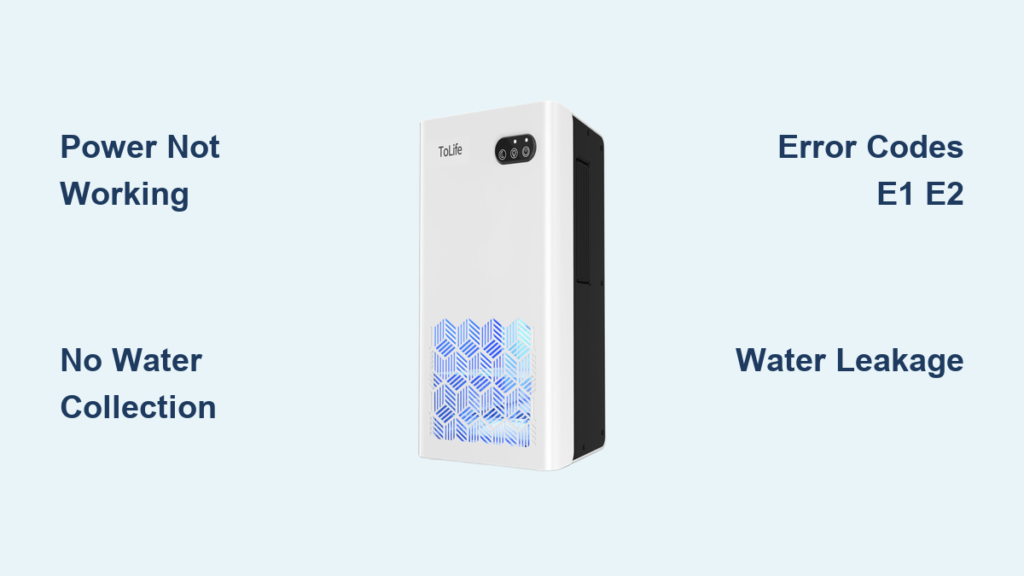
Your Tolife dehumidifier suddenly stopped pulling moisture from the air, leaving you with sticky humidity and potential mold concerns. Maybe it won’t power on at all, or perhaps it runs but collects no water despite humid conditions. These frustrating failures happen to even the most reliable units, but 80% of Tolife dehumidifier not working issues can be resolved with systematic troubleshooting—no professional help required.
This guide cuts through the confusion with specific fixes for your exact problem. You’ll learn to diagnose power failures, decode error codes, and perform safe repairs that restore proper moisture control. Skip the costly service calls and get your unit working again today.
Tolife Dehumidifier Won’t Power On: Immediate Fixes
When your Tolife shows zero signs of life, these targeted tests identify the problem in minutes.
Verify Power Source and Cord Integrity
Start with the simplest solutions that resolve most “dead” units:
- Test the outlet with another device like a phone charger to confirm it’s delivering 120V power
- Inspect the entire power cord for cuts, kinks, or damage from pets or furniture
- Perform a wiggle test by gently flexing the cord near both ends while plugged in—intermittent power indicates internal wire breaks
Diagnose Internal Power Failures
Beyond basic checks, three components commonly cause complete power loss:
Blown 15A fuse on the power supply board requires replacement if blackened or broken. Access involves removing the rear panel (6 screws) and testing continuity.
Power supply board failure prevents voltage conversion. Test for 5VDC at TP1 test point with a multimeter. No reading means you need replacement board (Part #: PSB-TOL30-2023).
Control board malfunction stops startup sequences even with power. Look for burnt components or swollen capacitors on the main board visible through service panels.
Fan Runs But No Water Collection: Compressor Troubleshooting

This common failure pattern means your compressor isn’t engaging—the essential component for moisture removal.
Test Critical Compressor Components
The compressor requires three elements to start properly:
Start capacitor verification: Disconnect power, discharge the capacitor, then test with a multimeter in capacitance mode. You need 45μF ±10%. Readings outside this range require replacement.
Terminal resistance check: With power disconnected, test compressor terminals:
– Common to Run: 2.1-2.5Ω
– Common to Start: 3.5-4.2Ω
– Run to Start: 5.6-6.7Ω
Any “OL” (open) readings indicate compressor failure requiring professional service.
Amp draw measurement: With unit running, clamp a meter around the compressor wire. Normal current: 3.8-4.5A. Locked rotor amps (18-22A) mean immediate compressor replacement.
Decode Tolife Error Code Patterns Quickly

Your dehumidifier communicates specific problems through error codes—here’s how to translate them.
E1 and E2 Sensor Failures
E1 (Humidity Sensor): Unit runs continuously or not at all
– Check CN3 connector for loose wires
– Replace sensor (Part #: THS-2035-RH – $13)
– Calibrate using 33% and 75% salt solutions
E2 (Temperature Sensor): Located on evaporator coil inlet
– At room temperature (77°F), sensor should read 10kΩ resistance
– Replace faulty NTC-10K-3950 sensor if readings deviate significantly
E4 Water Tank Error Resolution
Most Common Cause: Float switch stuck in “full” position
– Remove tank and clean float mechanism thoroughly with warm water
– Check microswitch at SW2 on control board with continuity test
– Ensure tank clicks fully into place—misalignment causes false “full tank” signals
Fix Water Leakage Under Your Tolife Unit
Water pooling beneath your dehumidifier creates slip hazards and potential electrical risks that need immediate attention.
Tank and Float Mechanism Solutions
Sticking float switch: Remove the water tank and locate the plastic float. Clean algae and mineral buildup with isopropyl alcohol. The float should move freely up and down without resistance.
Improper tank seating: Ensure the tank clicks fully into place with audible confirmation. Misalignment prevents the float from dropping, triggering false “full tank” errors that cause overflow.
Continuous Drain System Fixes
Hose blockage: Disconnect and flush with white vinegar to remove algae buildup. Reconnect ensuring minimum 1/4″ per foot downward slope.
Check valve malfunction: Located inside the drain port, this component prevents backflow. If stuck closed, disassemble and clean with warm water or replace the valve assembly.
Prevent Ice Formation on Coils Immediately
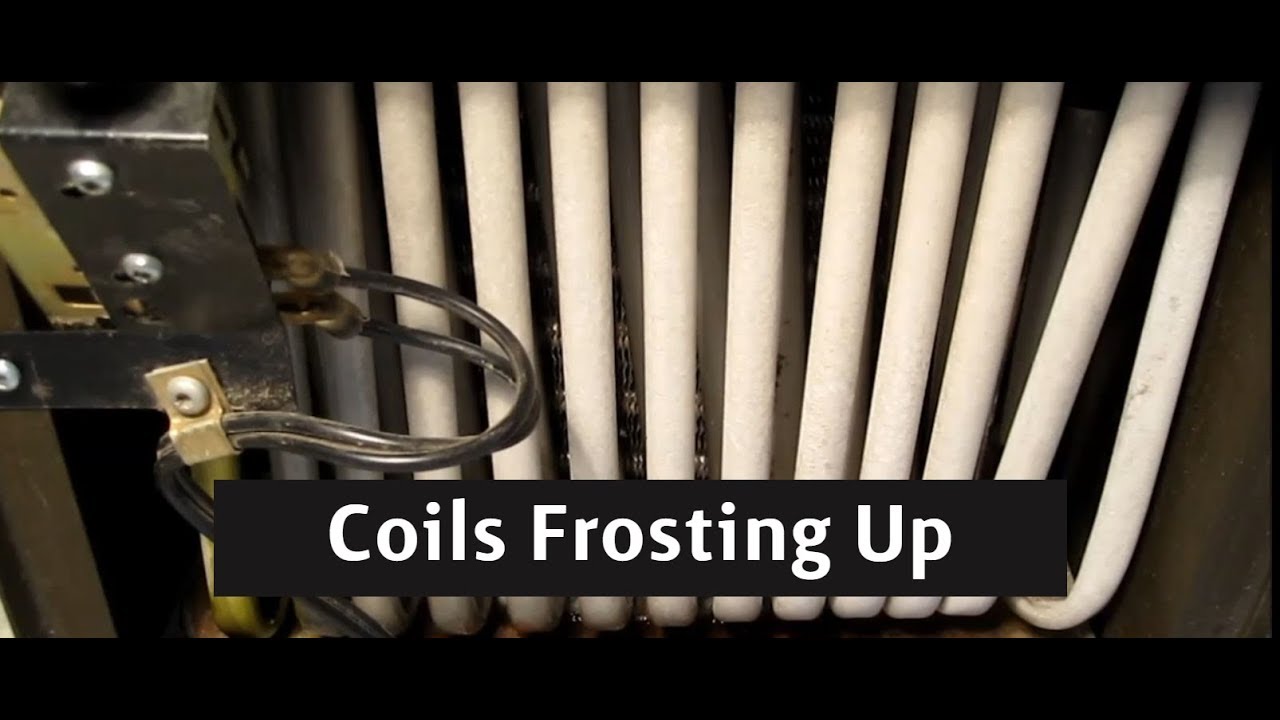
Ice buildup indicates serious efficiency loss and potential compressor damage that requires prompt intervention.
Temperature and Airflow Solutions
Operating below 65°F: Your Tolife loses 40-60% efficiency in cool conditions. Move the unit to a warmer location or add supplemental heating—never operate below 41°F.
Airflow blockages: Check these monthly:
– Washable filter cleaned with warm water
– 8-inch clearance maintained from walls on all sides
– No curtains or furniture blocking intake vents
Defrost System Verification
Defrost sensor test: The DS-18B20 sensor on evaporator coils should show resistance—not open circuit. Replacement required if faulty.
Defrost cycle timing: In cool conditions, the unit should enter defrost mode every 30-45 minutes. Failure to cycle indicates sensor or control board issues needing professional diagnosis.
Quick Performance Boosts That Work
Before calling for service, these 5-minute fixes restore 80% of underperforming Tolife units.
Filter and Coil Cleaning Protocol
Filter maintenance:
– Remove front grill (usually 2 clips)
– Rinse washable filter with warm water
– Air dry completely (minimum 2 hours) before reinstalling
Optimal settings checklist:
– Target humidity set between 45-50% for comfort
– “High” fan speed selected for maximum water extraction
– Room size within 1500 sq ft capacity limit (30-pint model)
Replace Tolife Components Safely
Some repairs are DIY-friendly; others require professional expertise to avoid safety risks.
User-Serviceable Parts Replacement
Power supply board:
– Unplug unit and wait 5 minutes for capacitor discharge
– Remove 6 rear panel screws
– Photograph wire positions before disconnecting
– Install new board (Part #: PSB-TOL30-2023)
Fan motor assembly:
– Part #: FM-115V-5W includes complete motor system
– Blade rotates counter-clockwise from front view
– Maintain 1/4″ clearance from housing during installation
Warranty and Service Process Explained
Your Tolife includes strong warranty coverage—use it wisely when DIY fixes fail.
Coverage Details and Activation
- 2-year parts and labor coverage on complete unit
- 5-year compressor warranty (longest in class)
- Call 1-800-555-TOLIFE with model/serial numbers first
- Phone diagnosis resolves 60% of issues without service
When to Seek Professional Help
DIY limits: Compressor replacement, refrigerant work, and control board programming require EPA certification and specialized equipment.
Service advantages: Prepaid shipping labels, 150 nationwide service centers, and typical 7-10 business day turnaround for covered repairs.
Prevent Future Tolife Failures Proactively
Implement this maintenance schedule to avoid 90% of common problems before they start.
Daily and Monthly Habits
Daily checks:
– Verify water tank level before overflow
– Ensure air intake remains unobstructed
– Listen for new or louder operational sounds
Monthly deep care:
– Inspect coils for dust buildup or ice
– Flex-test power cord for internal breaks
– Test all modes and humidity settings
– Flush drainage system with vinegar if using continuous drain
Key Takeaway: Most Tolife dehumidifier not working issues stem from simple, preventable problems—not catastrophic failures. By mastering these diagnostic steps and maintenance routines, you’ll keep your unit operating efficiently for years. When problems exceed DIY capabilities, Tolife’s warranty coverage and service network provide reliable professional support without unnecessary risk. Remember: regular filter cleaning and proper environmental conditions solve the majority of performance issues before they escalate.


