
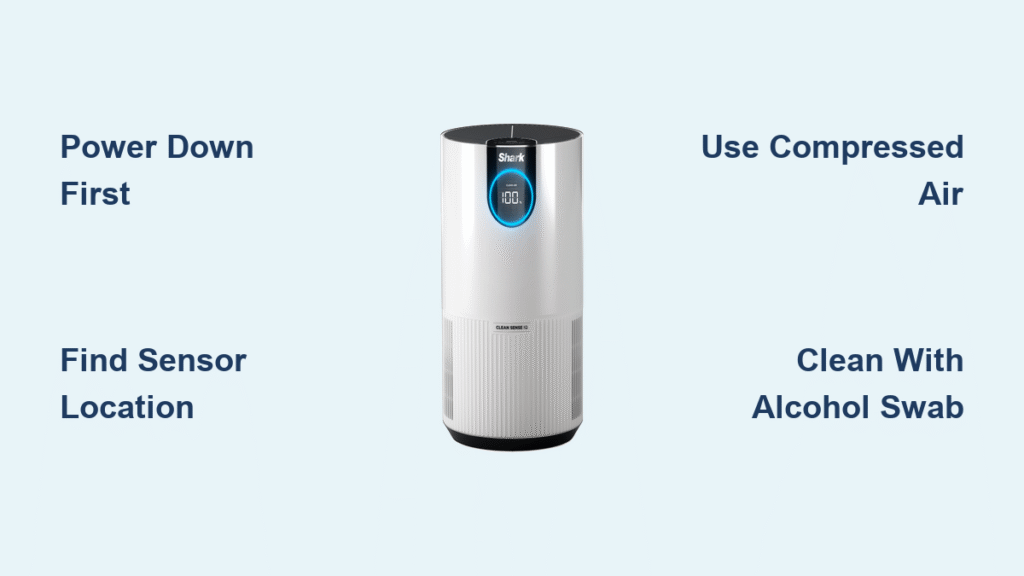
Your Shark air purifier’s sensor is the brain behind those helpful air quality readings, but when it starts giving false alarms or missing obvious pollution, it’s probably time for a thorough cleaning. Dirty sensors can make your unit work overtime, driving up energy costs while delivering subpar air cleaning. The good news? You can restore your sensor’s accuracy in just 20 minutes with the right approach.
This guide walks you through the exact process for safely cleaning Shark air purifier sensors across all major models, from identifying the sensor location to testing your results. Whether you’re dealing with persistent error messages or just want to maintain peak performance, these proven techniques will get your unit reading air quality accurately again.
Safety First: Power Down Protocol
Turn off and unplug your Shark air purifier immediately. This isn’t just a suggestion—it’s critical for both your safety and the device’s protection. Once unplugged, wait exactly 5 minutes before touching anything. This allows residual electrical charge to dissipate completely, protecting the sensitive sensor electronics from damage.
Essential cleaning kit:
– Microfiber cloths (never use paper towels—they scratch)
– Compressed air canister (for gentle dust removal)
– Cotton swabs (Q-tips work perfectly)
– Small vacuum with soft brush attachment
– 70% isopropyl alcohol (never higher concentration)
– Flashlight or phone light for visibility
Pro Tip: Work in a well-lit area with your cleaning materials organized within reach. Trying to locate tools while your unit is disassembled increases the risk of accidental damage to the sensor.
Find Your Sensor Location
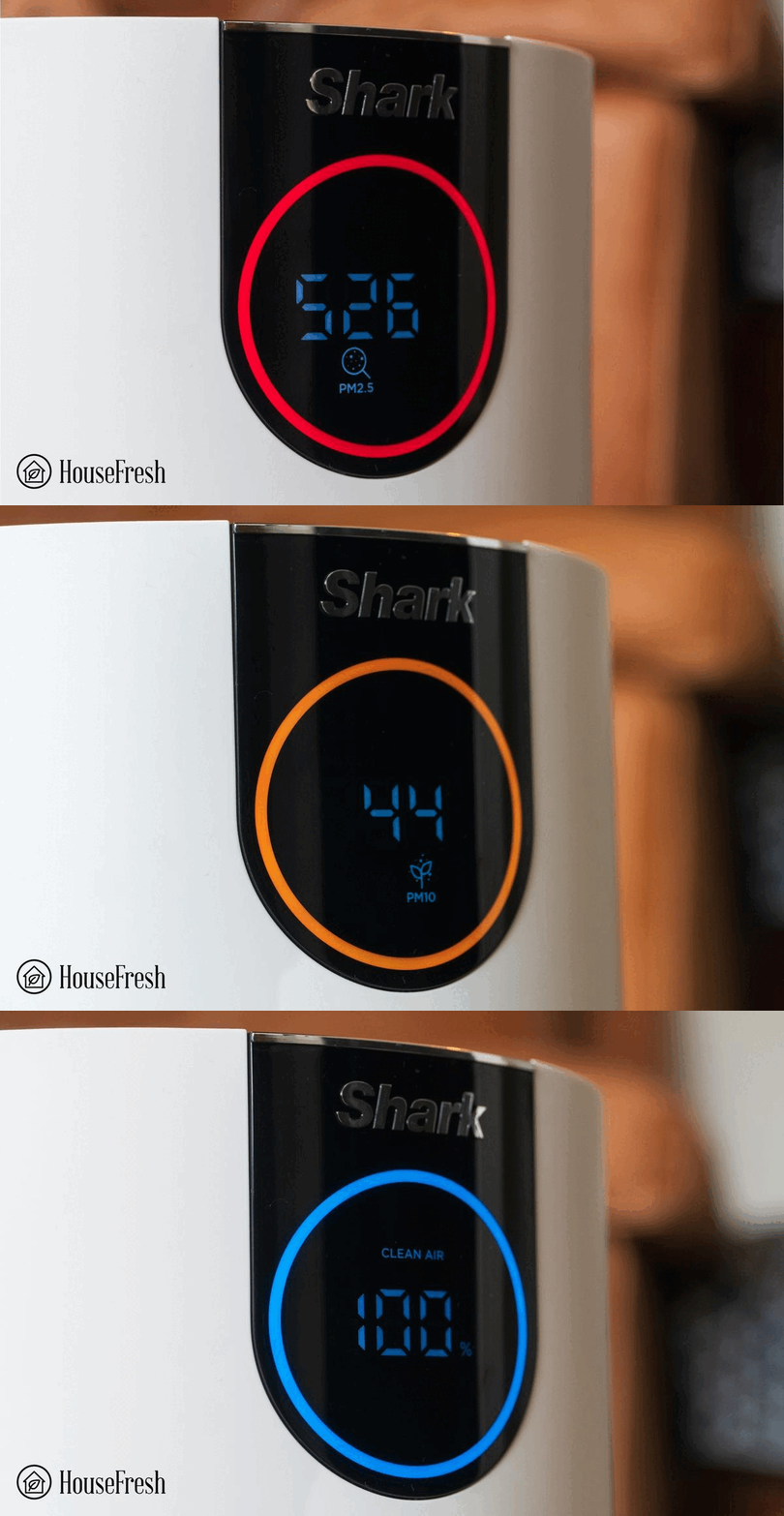
Shark hides their sensors in specific spots depending on your model. Check these locations:
Clean Sense & NeverChange Models
Look on the right side panel when facing your unit. You’ll spot a small circular or rectangular opening—about the size of a dime—often labeled “Air Quality” or showing a tiny fan icon. On NeverChange models like the HP102, the sensor sits behind the filter compartment door when open.
Model-Specific Spots
- HP102/132/152: Sensor sits behind the filter compartment door on the right side
- HE400/402/601: Located on the rear lower portion—you’ll need to tilt the unit forward
- 4/6 Series: Found on the back panel—clean in position, don’t move this heavy unit
Warning: Never force open panels or compartments. If you can’t locate the sensor easily, consult your owner’s manual—many Shark models have digital manuals available online if you’ve misplaced yours.
Remove Surface Dust Safely
Vacuum First
Set your vacuum to lowest suction. Hold the soft brush 1 inch away from the sensor opening. Move in slow circles for 15-20 seconds. This pulls out loose dust without pushing debris deeper inside. Vacuuming first prevents you from spreading dust during the compressed air step.
Compressed Air Technique
Hold the air canister 6-8 inches away at a 45-degree angle. Use short 1-2 second bursts, directing air across—not into—the opening. This prevents moisture from entering the sensor chamber while clearing stubborn particles. Shake the can before use and avoid tilting it while spraying to prevent liquid propellant from contacting your sensor.
Critical Mistake to Avoid: Never blow into the sensor opening with your mouth. Moisture from your breath can cause permanent damage to the sensitive electronics inside.
Deep Clean Stubborn Buildup

Alcohol Cleaning Method
Dampen (don’t soak) a cotton swab with 70% isopropyl alcohol. Squeeze out excess liquid—the swab should be barely moist. Gently insert into the sensor opening, rotating slowly with light pressure. Clean the interior walls using circular motions, but never touch the actual sensor element at the back. Focus on the accessible housing rather than forcing the swab deep inside.
Dry and Final Steps
Use a fresh, dry cotton swab to remove any alcohol residue. Let the sensor air dry for 10-15 minutes minimum. Never use hair dryers or heat guns—these can damage sensitive components permanently. During drying time, clean the surrounding area with a slightly damp microfiber cloth to prevent new dust from immediately entering the sensor housing.
Pro Tip: If you’re cleaning in a dusty environment, consider doing this in a bathroom with the shower running to create humidity that settles airborne particles.
Test Your Cleaning Success
Reconnect power and let the unit run its automatic calibration (30-60 seconds). Look for “CAL” or flashing lights during this process. Once calibration completes, the display should show current air quality readings.
Quick responsiveness test:
1. Let the unit settle for 2 minutes after startup
2. Spray cooking spray or burn a match 3 feet away
3. Watch for air quality changes within 2-3 minutes
4. Display should shift from good to poor air quality
If readings don’t change, repeat the cleaning process focusing on complete dryness. Some units require up to 24 hours to fully recalibrate after sensor cleaning.
Set Your Maintenance Schedule
Clean frequency depends on your environment:
- Standard homes: Every 4-6 weeks
- Pet owners: Every 2-3 weeks
- Heavy cooking areas: Every 2-3 weeks
- High pollution zones: Every 2 weeks
Warning signs you need immediate cleaning:
– Constant “excellent” readings during obvious pollution
– Sensor error messages after startup
– Delayed response to air quality changes
Pro Tip: Mark your calendar or set phone reminders for sensor cleaning—most people forget this critical maintenance step until problems arise.
Fix Common Sensor Problems
Persistent Error Messages
Power cycle fix: Unplug for 2 minutes, then restart. Still showing “SENSOR ERROR”? Repeat cleaning, ensuring zero alcohol residue remains. Some models need a manual reset—press and hold the power button for 10 seconds or consult your manual for specific button combinations.
Inaccurate Readings After Cleaning
Moisture is the usual culprit. If readings seem off, wait an additional hour for complete drying. Still wrong? The sensor might need professional calibration, especially if your unit is over 2 years old. For units under warranty, contact Shark before attempting further cleaning.
Physical Damage Warning
Never insert sharp objects or force cleaning tools. If you notice scratches, discoloration, or visible damage during inspection, stop immediately. Contact Shark customer service—physical damage usually requires sensor replacement, not cleaning.
Model-Specific Cleaning Tips
NeverChange Series (HP102/132/152)
These sensors include a fine mesh screen—never remove it. Clean only accessible interior surfaces. The mesh protects the sensor from damage while allowing accurate readings. After cleaning, check that airflow through the mesh is unobstructed.
Clean Sense IQ Series (HE400/402/601)
Dual sensor system requires attention to both openings:
– Particulate sensor (top opening)
– VOC sensor (bottom opening, often labeled “Chemical”)
Use identical cleaning procedures for both sensors, but clean the VOC sensor more frequently if you use cleaning products or air fresheners regularly.
Large 4/6 Series
Due to weight, clean while the unit stays in place. Use a flashlight to see clearly and work methodically without moving the purifier. These models often have larger sensors that collect more dust—spend extra time on the vacuuming step.
Environmental Factors That Affect Accuracy
High humidity (above 60%) creates condensation inside sensors, causing false readings. In humid climates:
– Clean every 2 weeks instead of monthly
– Run a dehumidifier in the same room
– Check for moisture accumulation during cleaning
Smoke exposure from candles, fireplaces, or cooking creates stubborn film buildup. After heavy smoke exposure, clean within 24 hours to prevent permanent residue. Units in kitchens may need weekly sensor checks during heavy cooking seasons.
When Sensors Need Replacement
Even perfect cleaning can’t fix aging sensors. Replace your sensor when:
– Readings stay inaccurate after multiple cleanings
– Error messages persist despite troubleshooting
– Response time exceeds 10 minutes for air quality changes
– Display shows “REPLACE SENSOR” message
Typical lifespan: 2-3 years under normal conditions. Contact Shark for genuine replacement parts—aftermarket sensors void warranty coverage and often provide inaccurate readings. The replacement process typically requires professional service, so don’t attempt to swap sensors yourself.
Quick Reference Checklist
Before each cleaning:
– [ ] Unplug unit and wait 5 minutes
– [ ] Gather all cleaning materials
– [ ] Identify sensor location for your model
– [ ] Work in good lighting
During cleaning:
– [ ] Vacuum first, then compressed air
– [ ] Use barely moist cotton swabs only
– [ ] Never touch the sensor element
– [ ] Allow 15 minutes dry time
After cleaning:
– [ ] Test responsiveness within 3 minutes
– [ ] Monitor readings for 24 hours
– [ ] Schedule next cleaning based on environment
Your Shark air purifier’s sensor is now clean and calibrated for accurate air quality detection. Stick to your maintenance schedule, and you’ll enjoy reliable performance and cleaner air for years to come. Proper sensor care ensures your unit works efficiently rather than running unnecessarily, saving you money on energy bills while providing genuinely cleaner air for your home.


